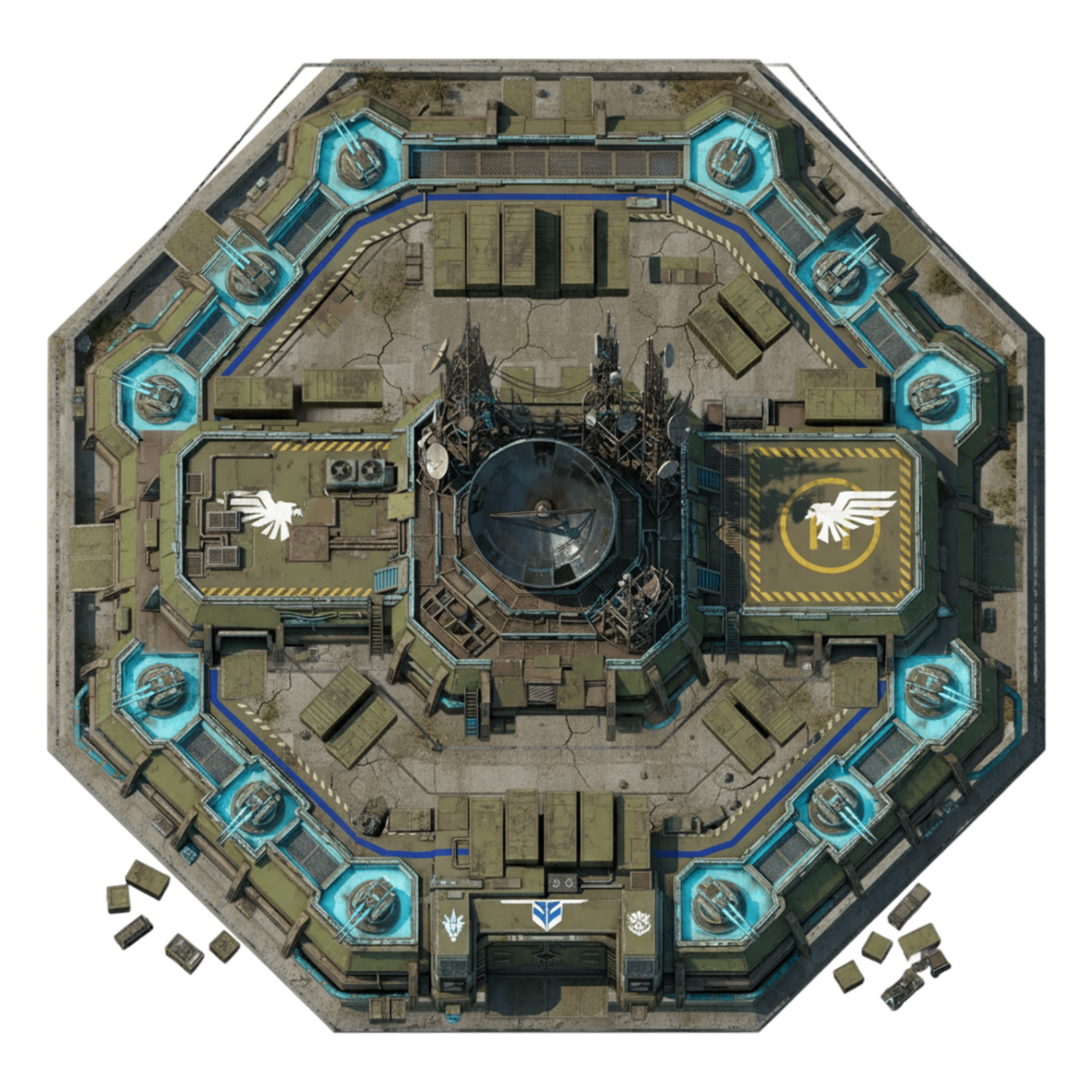
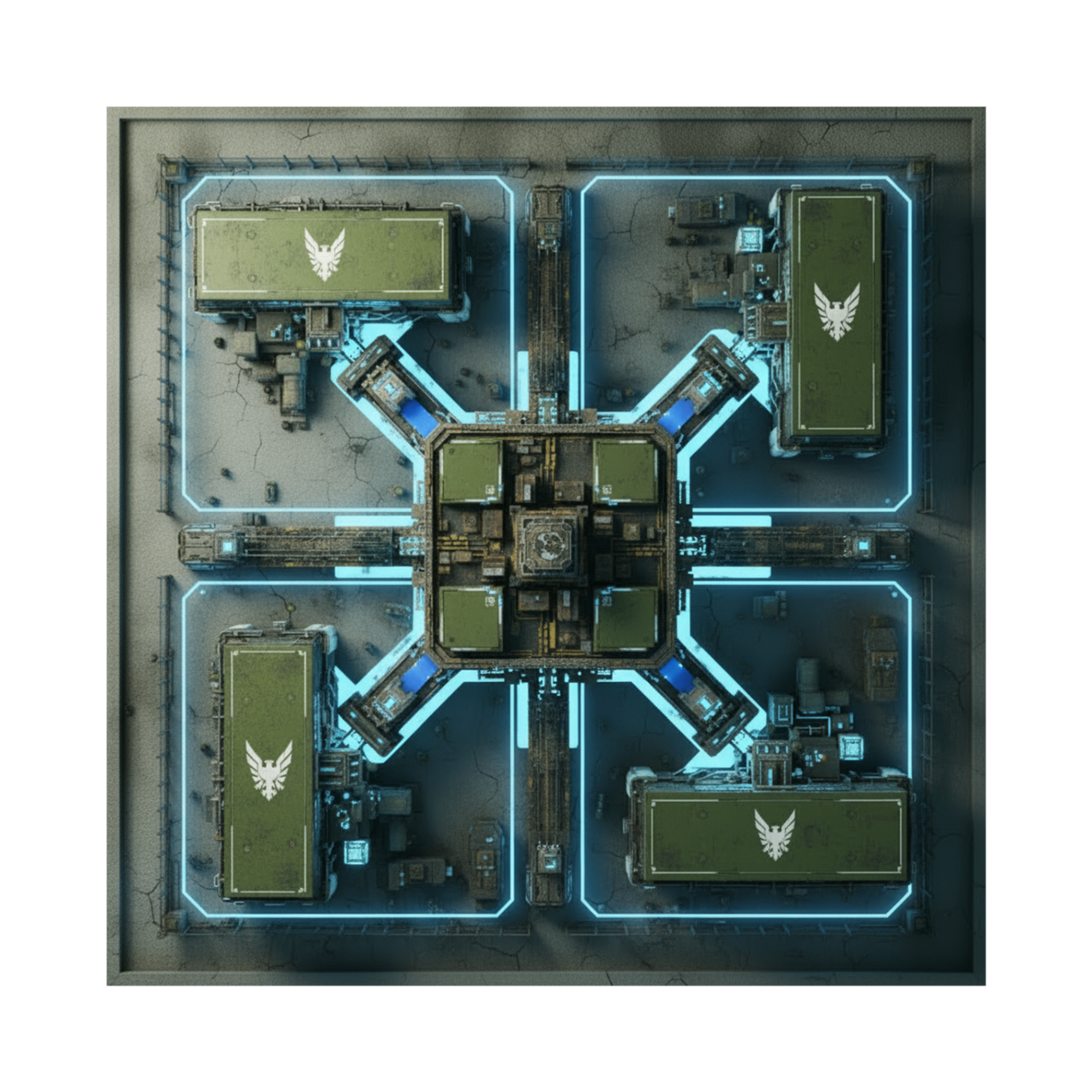
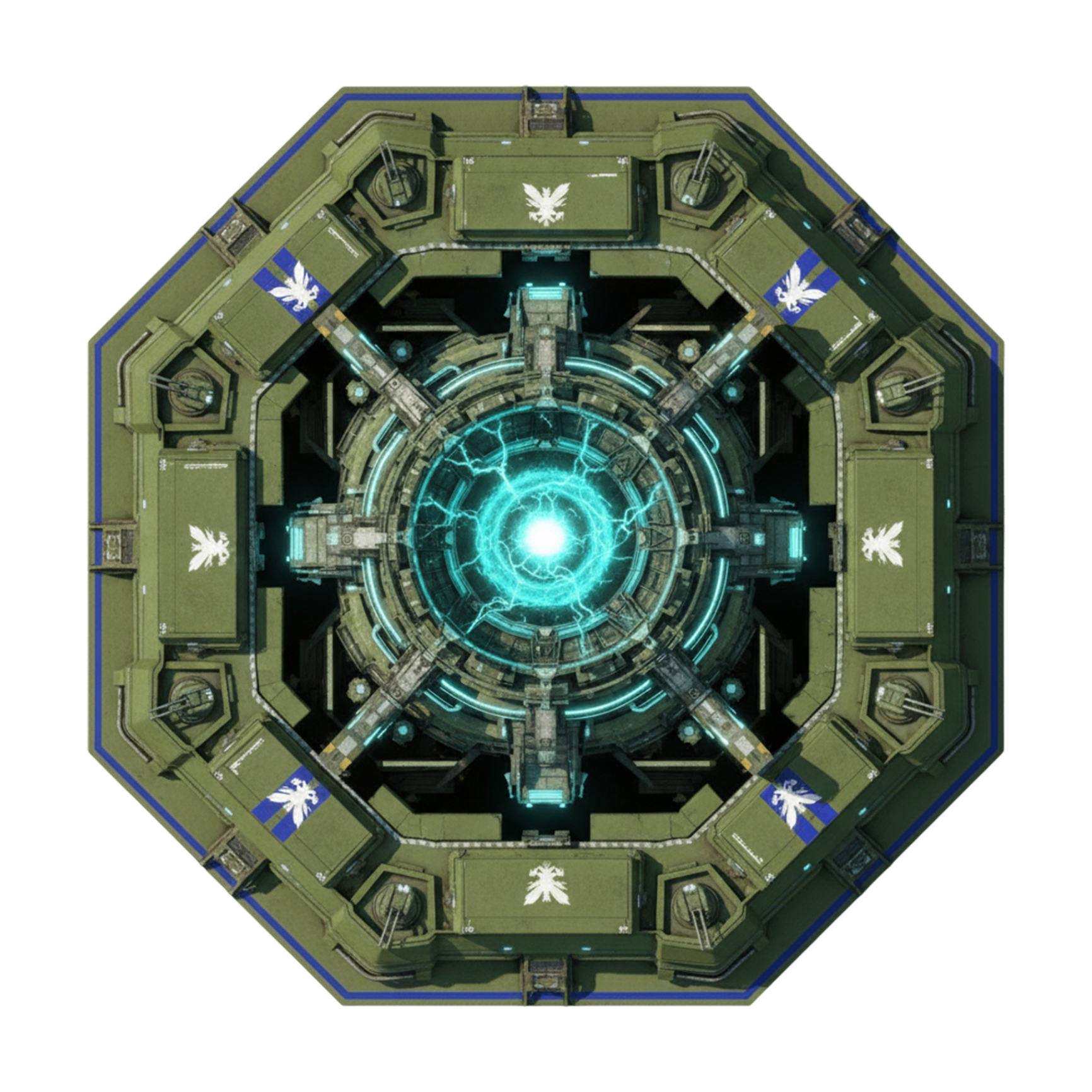
Every visual surface that isn't a unit, building or faction crest. Seamless terrain tiles, per-orientation cliff art, the rust-metal HUD chrome, and every full-screen / popup state the player ever sees. Buildings, units, factions and the campaign each have their own page.
Terrain
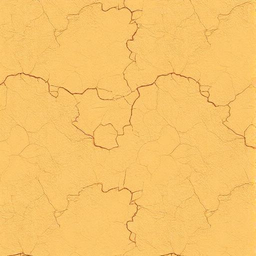
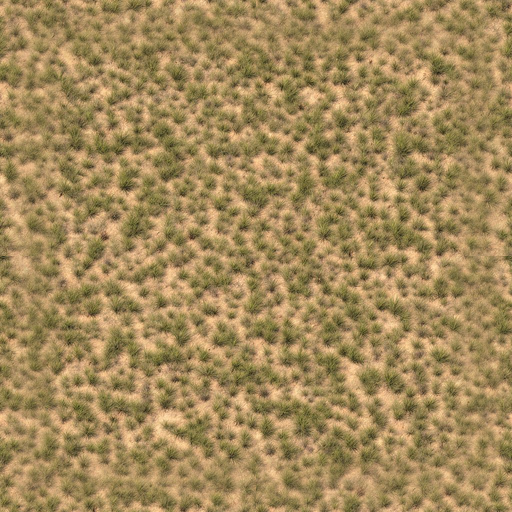
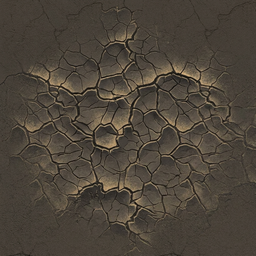
The renderer paints a single dirt base across the whole map, then layers each non-base terrain through a Gaussian-blurred SVG mask so adjacent tiles merge into Dune II–style organic blobs instead of square cells.
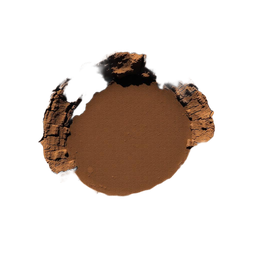
Dirt — Primary❄ Locked
Universal base layer. Painted as a single rect under everything else; never masked. Default move + buildable.
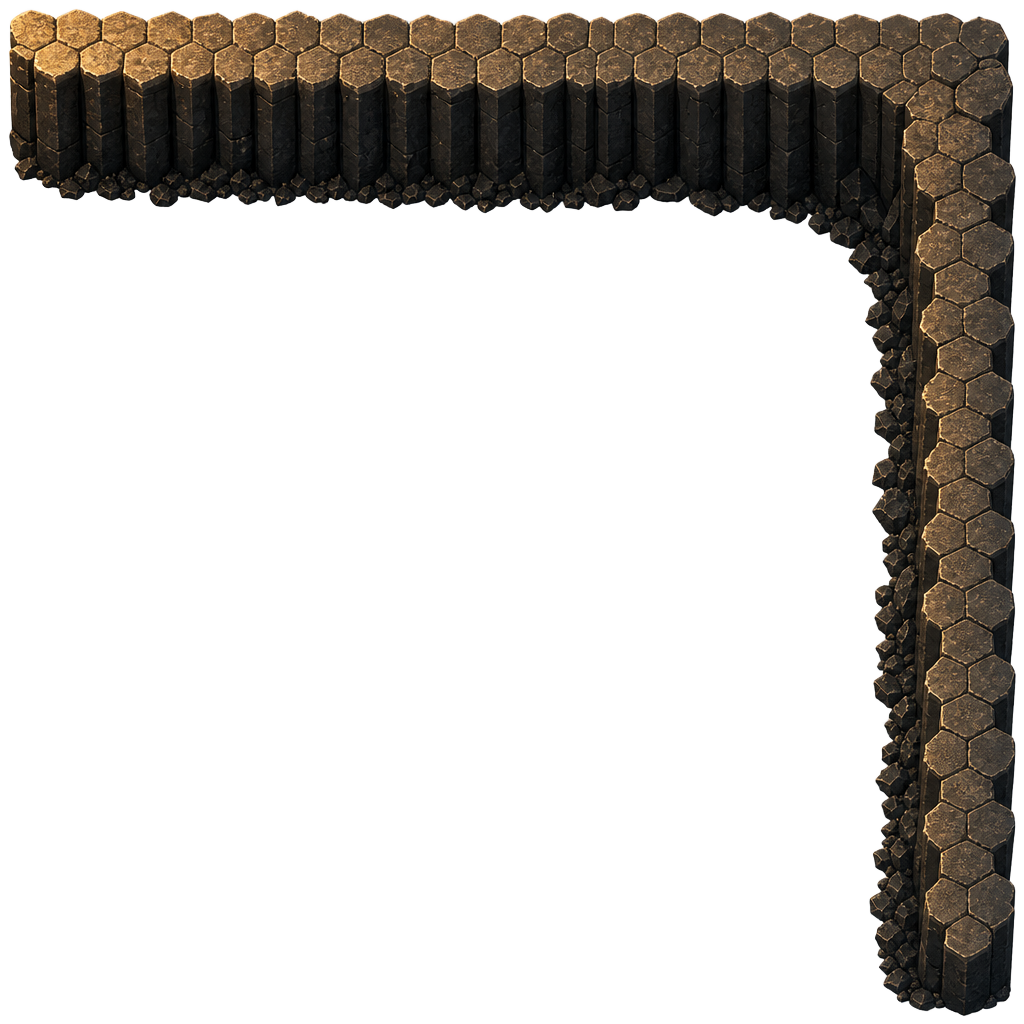
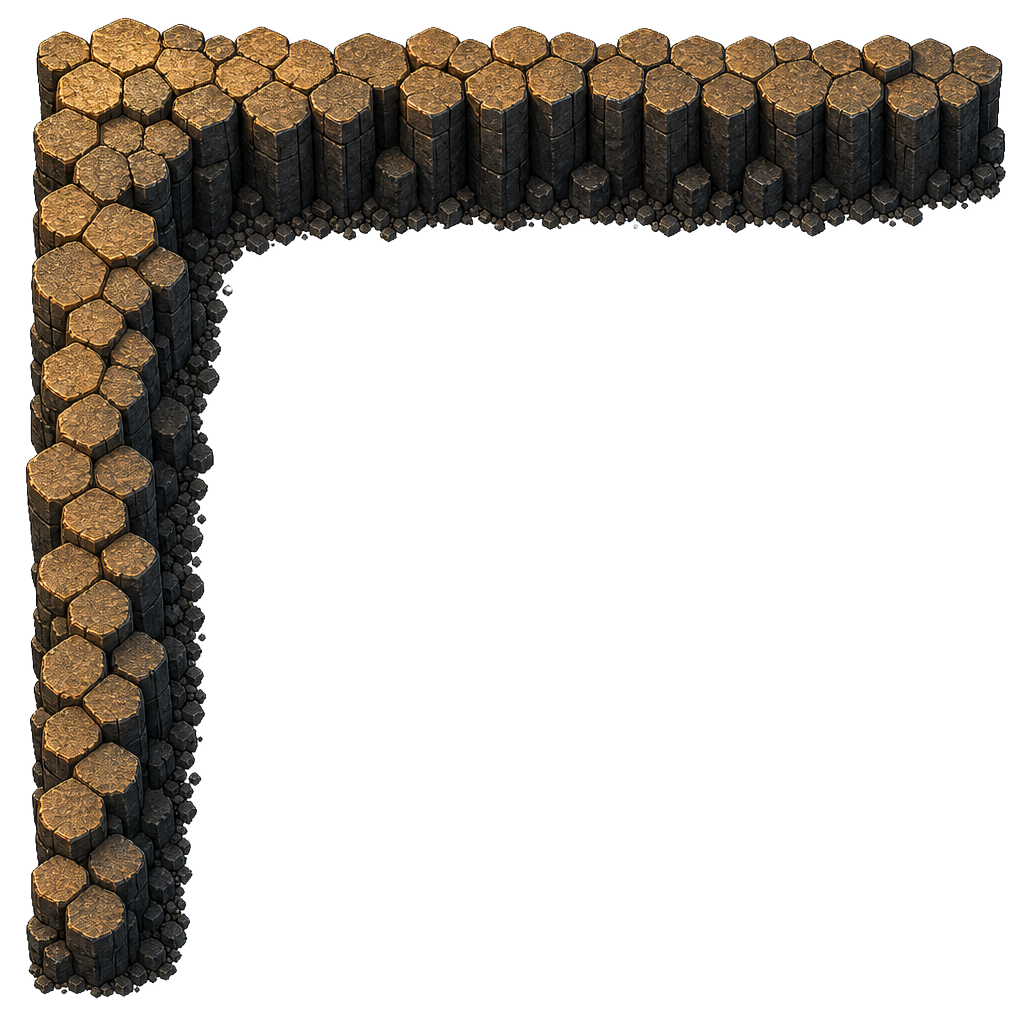
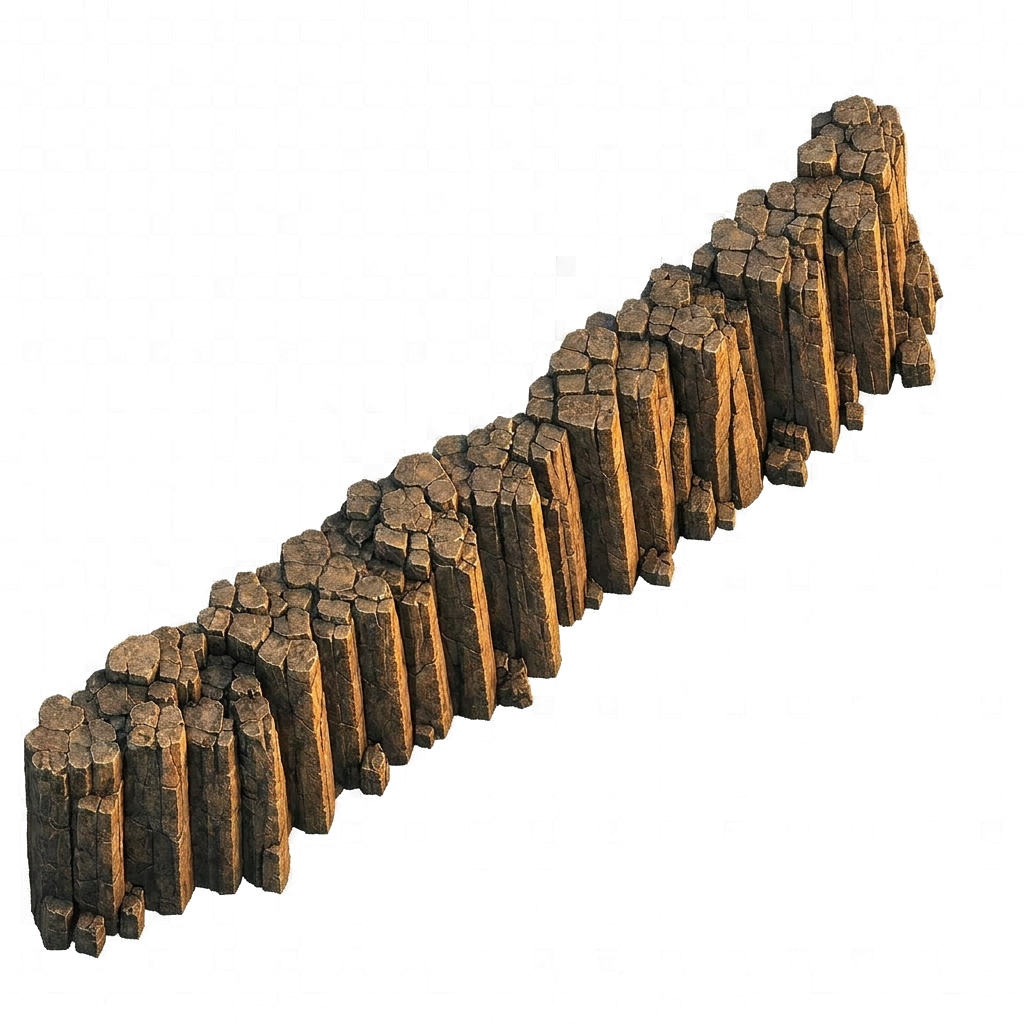
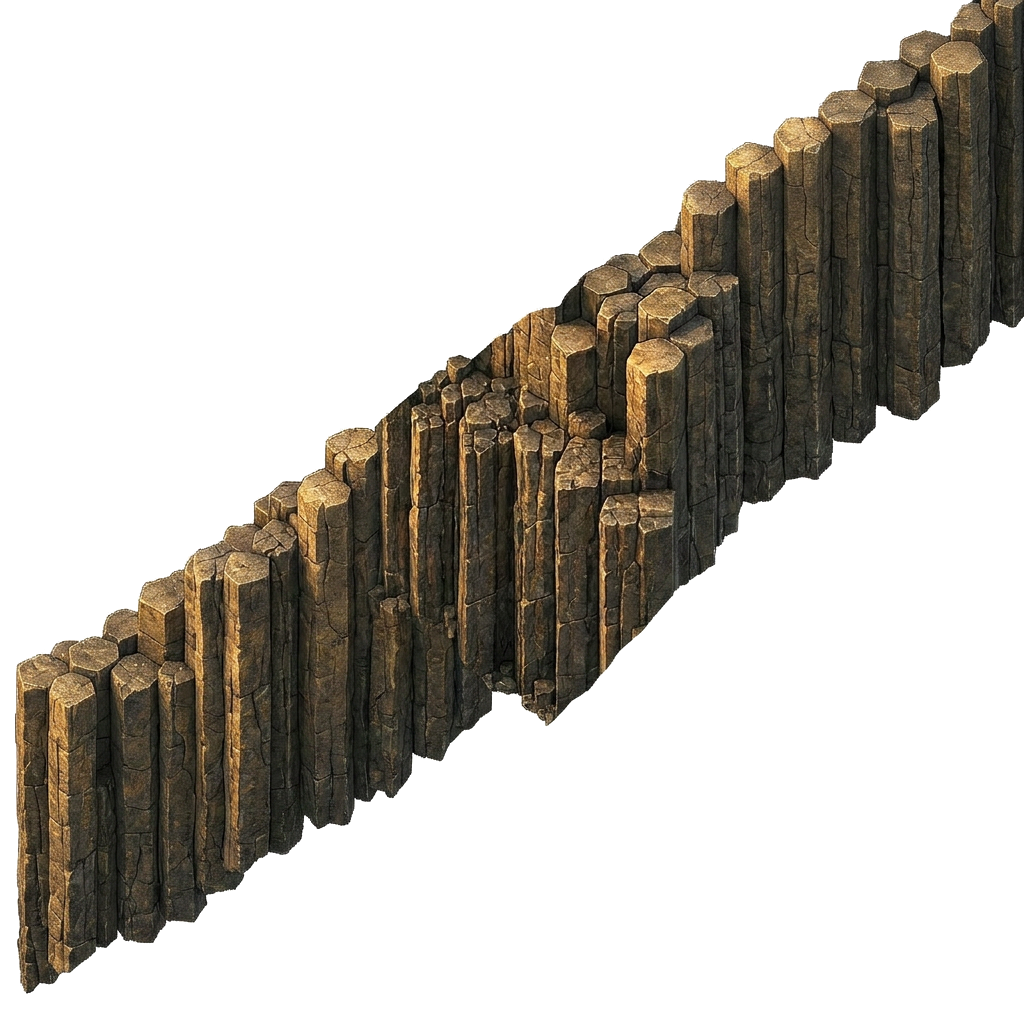
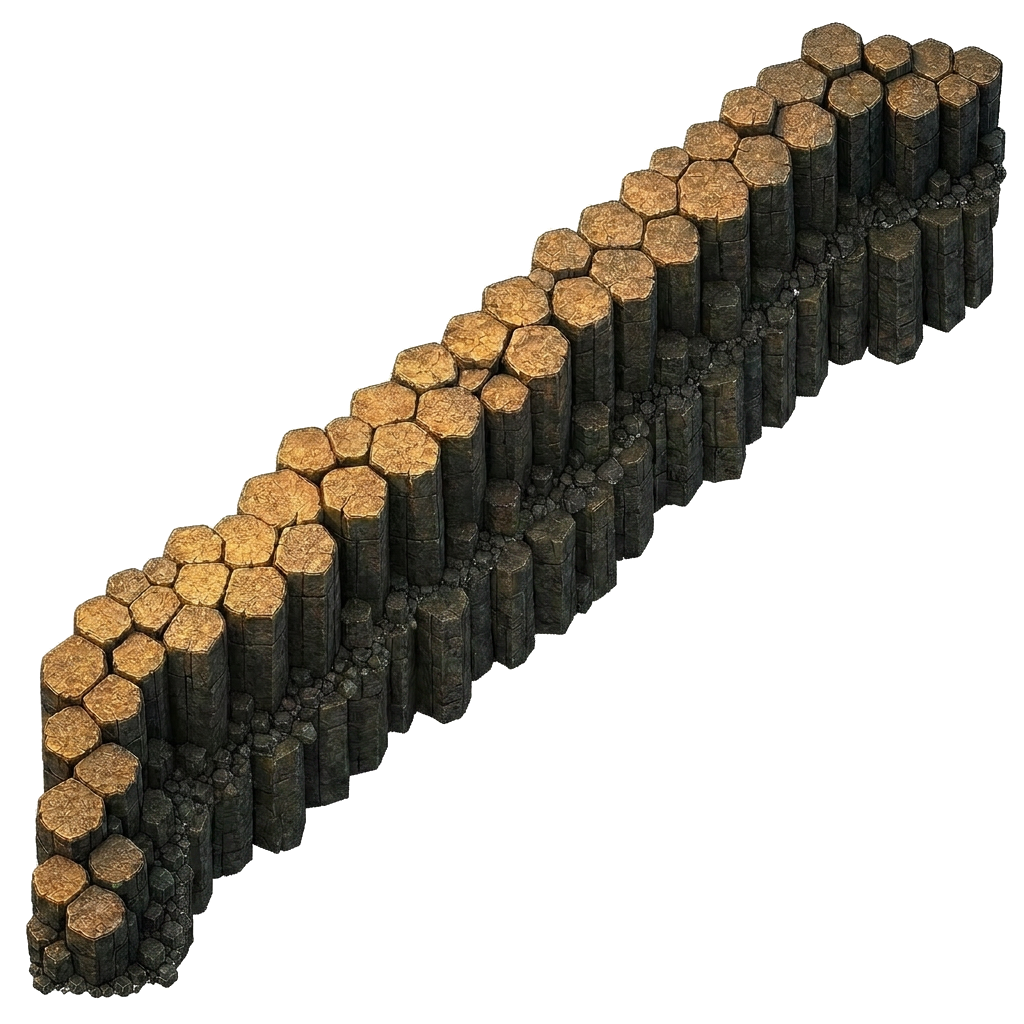
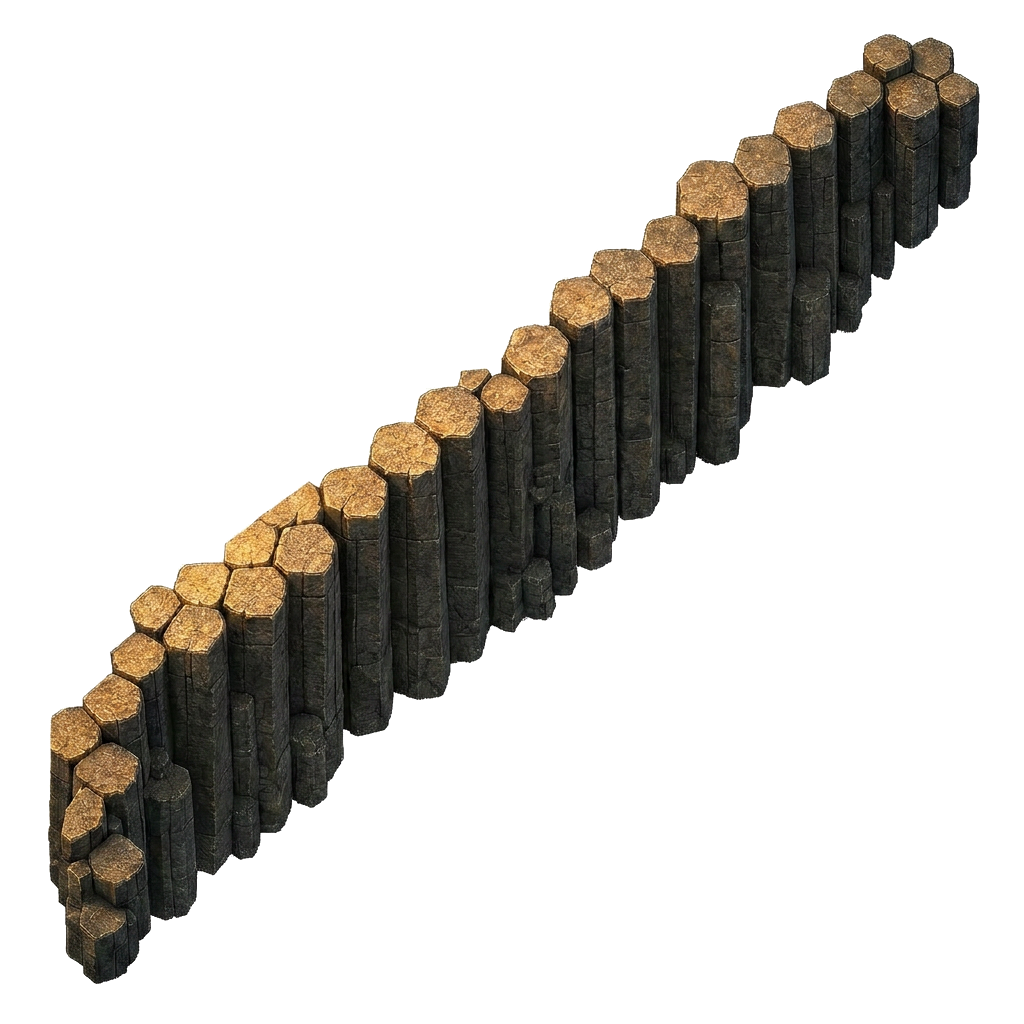
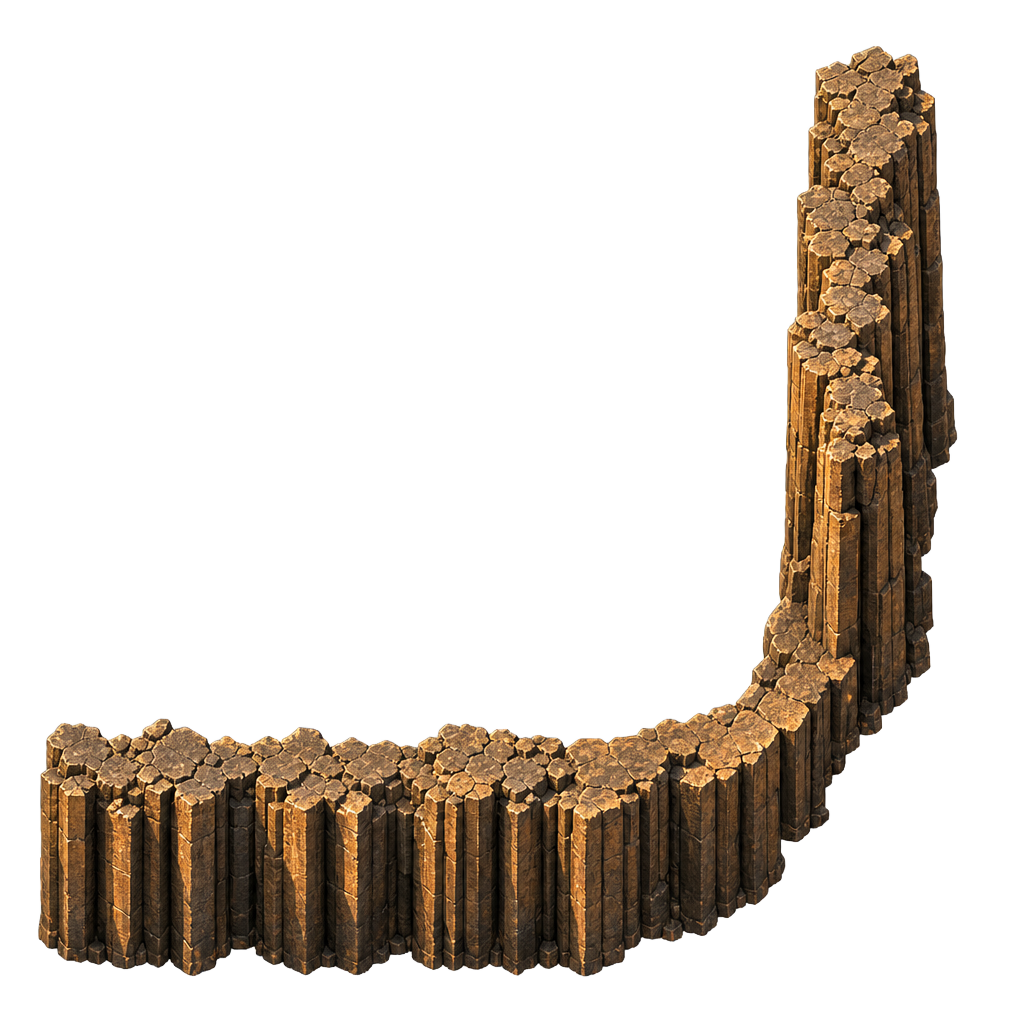
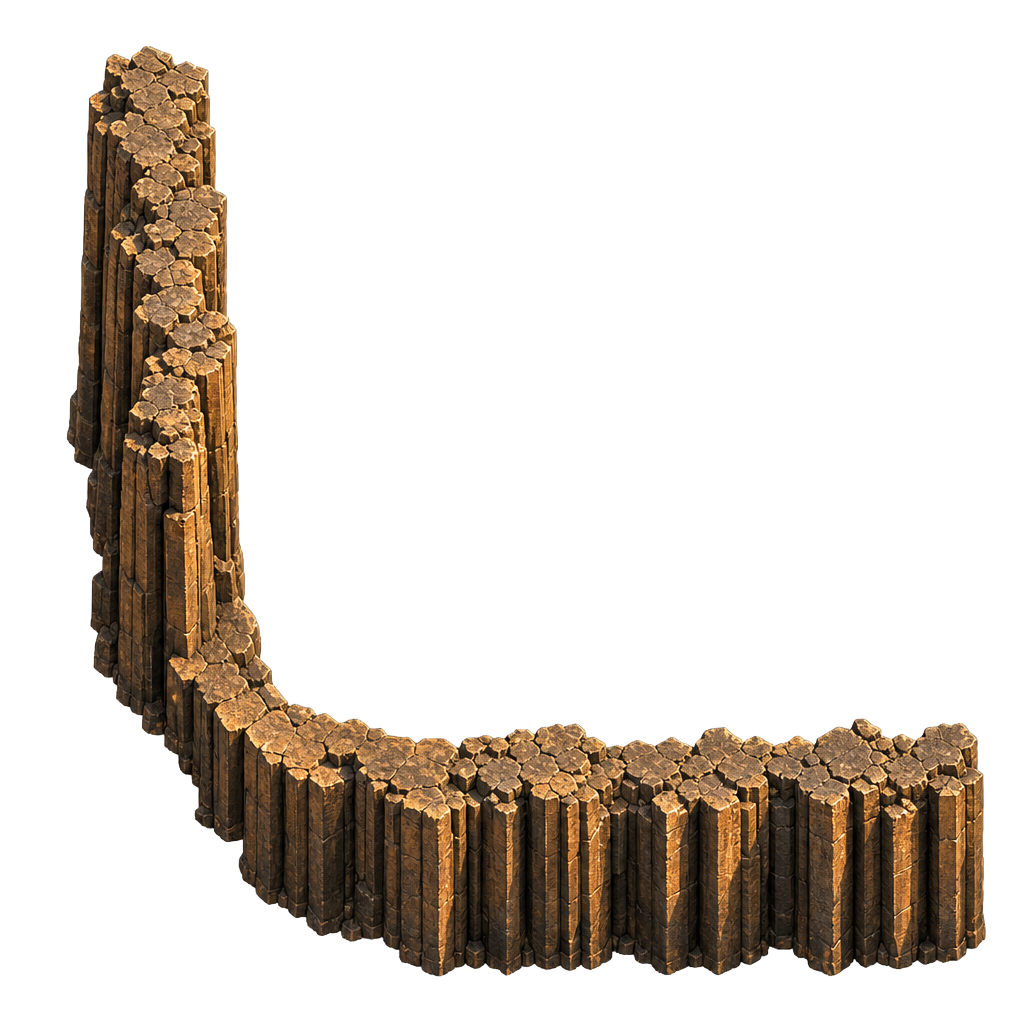
Plateaus are assembled from per-orientation art instead of rotating a single master tile — this keeps the sun direction consistent across every face. The renderer picks the exact edge / corner PNG for each tile, then composites it over the base terrain so dirt, sand or grass shows through the transparent plateau interior. Three variant slots (V1 / V2 / V3) are wired in cliffTiles.ts; only V1 ships today, swap live with the toggle on /demo.
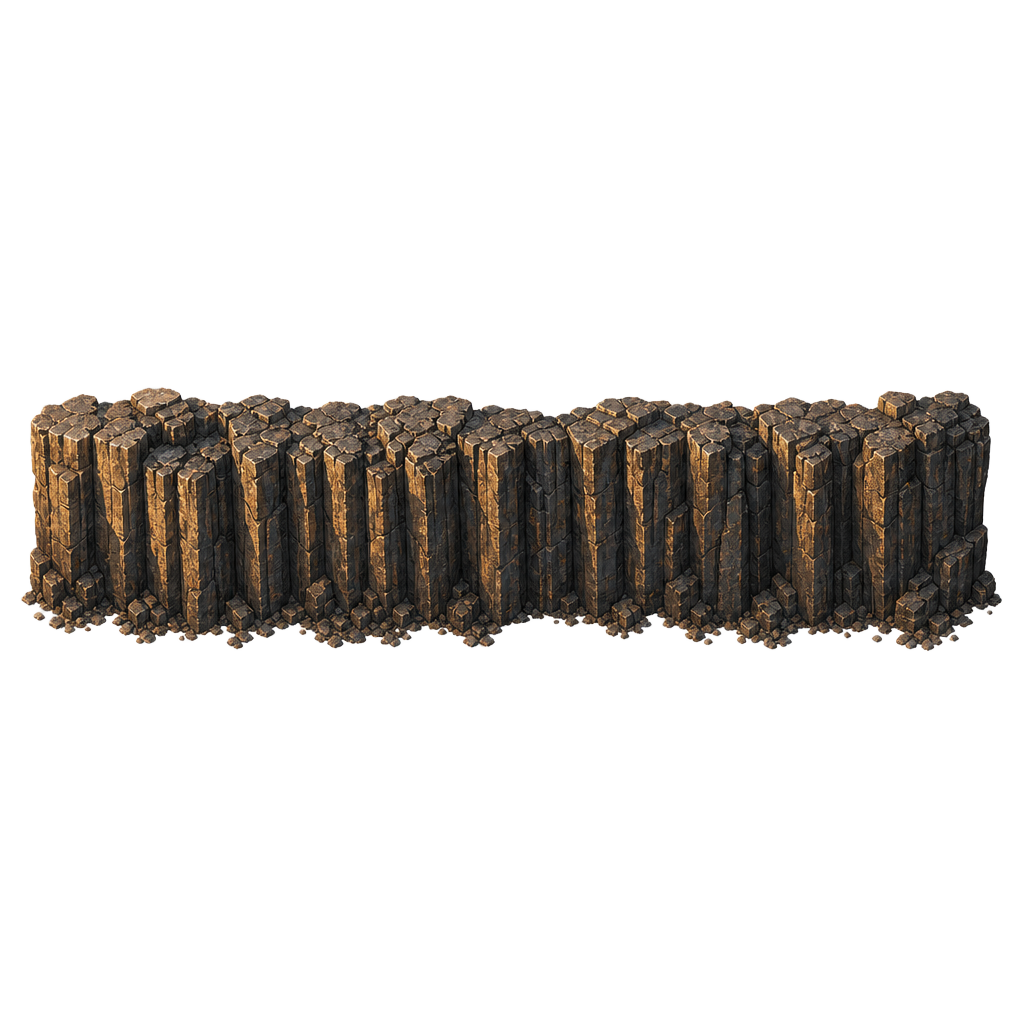
Edge — South
South-facing cliff face. Lit top, shadowed base. Painted along the southern boundary of a plateau.
Role
Edge
Orientation
S (south face)
Variants
1 / 3 (V1)
Source
512×512
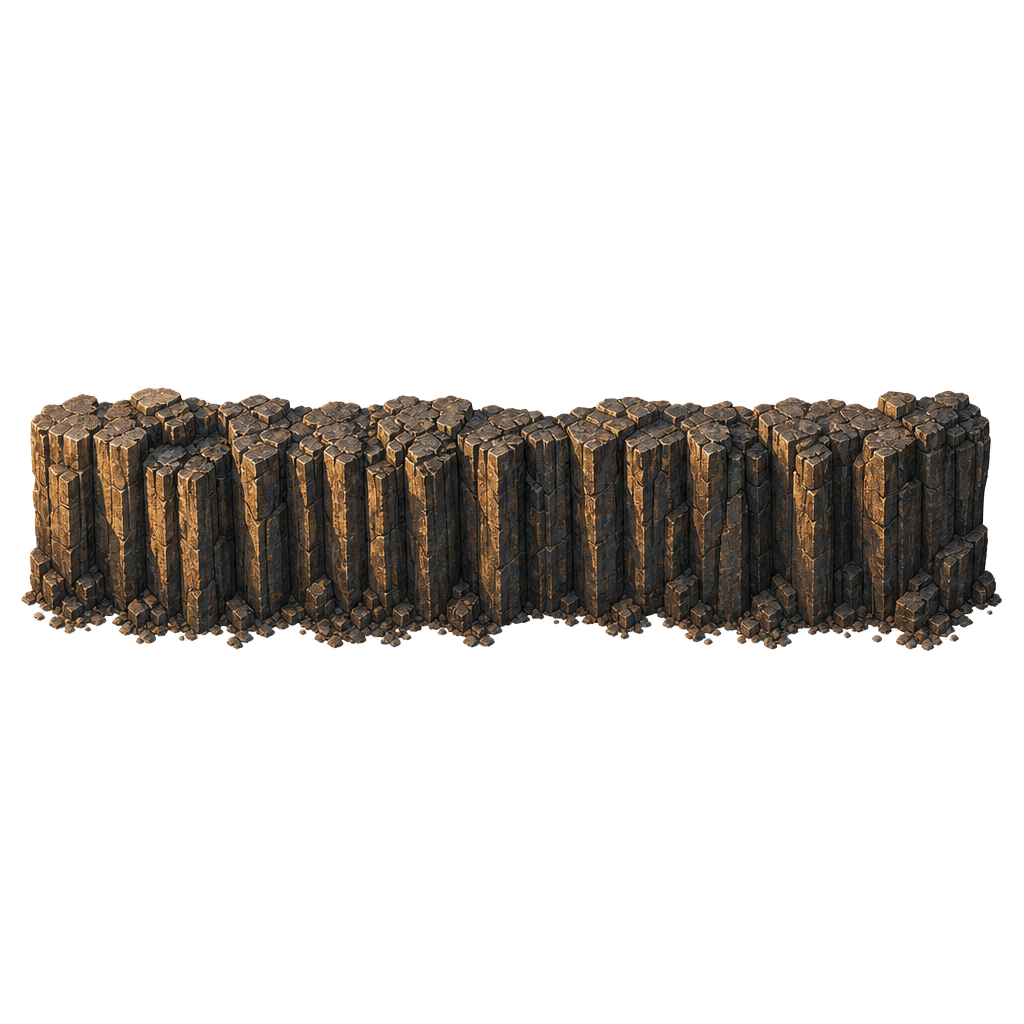
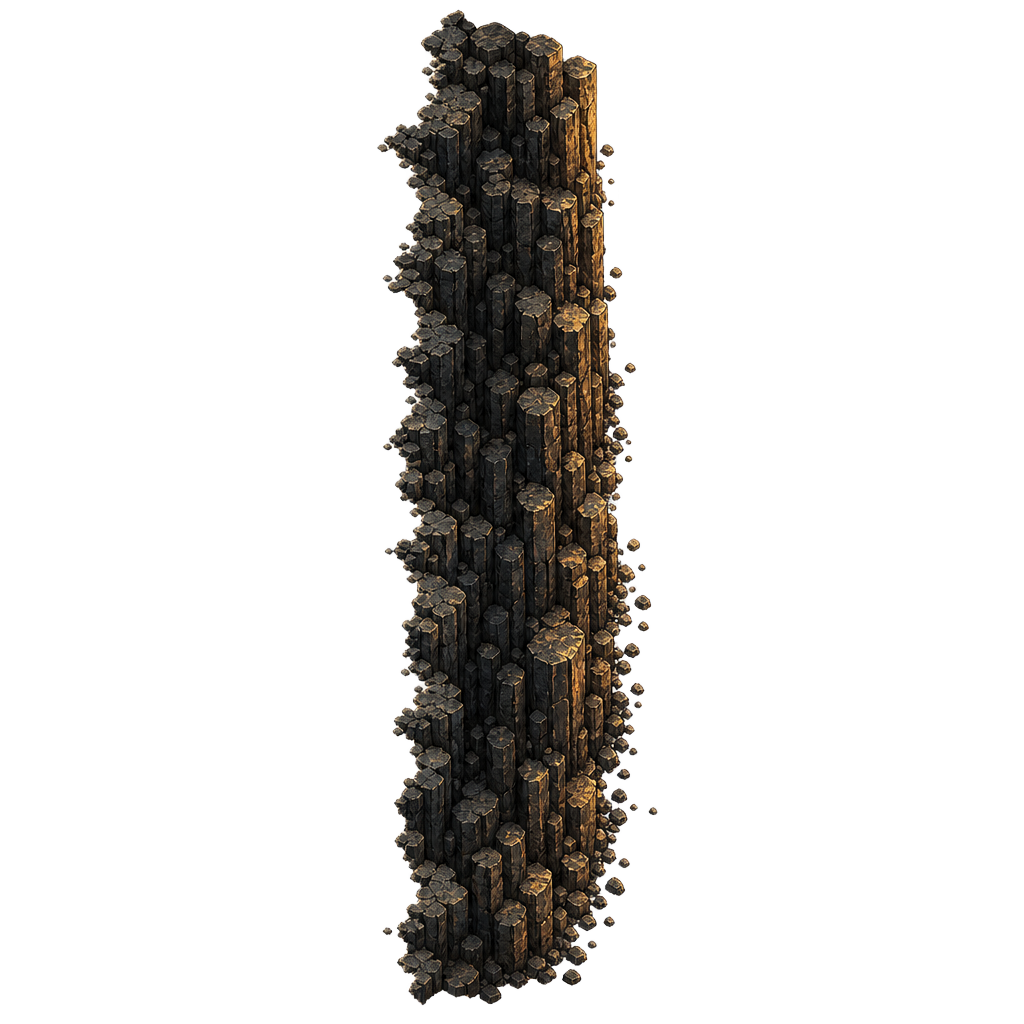
Edge — North
North-facing cliff face — receding shoulder, dimmer top. Used along the back edge of a plateau.
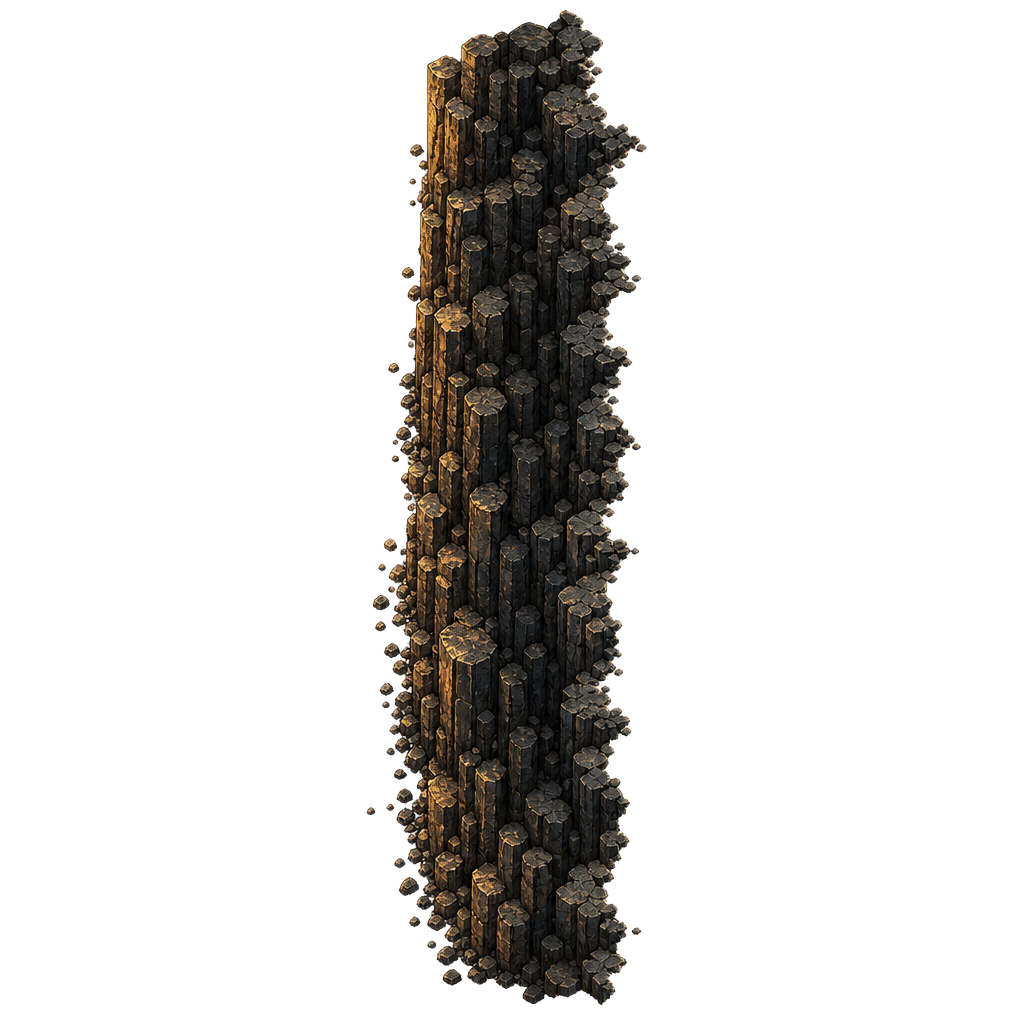
West-facing wall — mirror of the east edge to keep the sun direction consistent across a plateau.
Role
Edge
Orientation
W
Variants
1 / 3 (V1)
Source
512×512
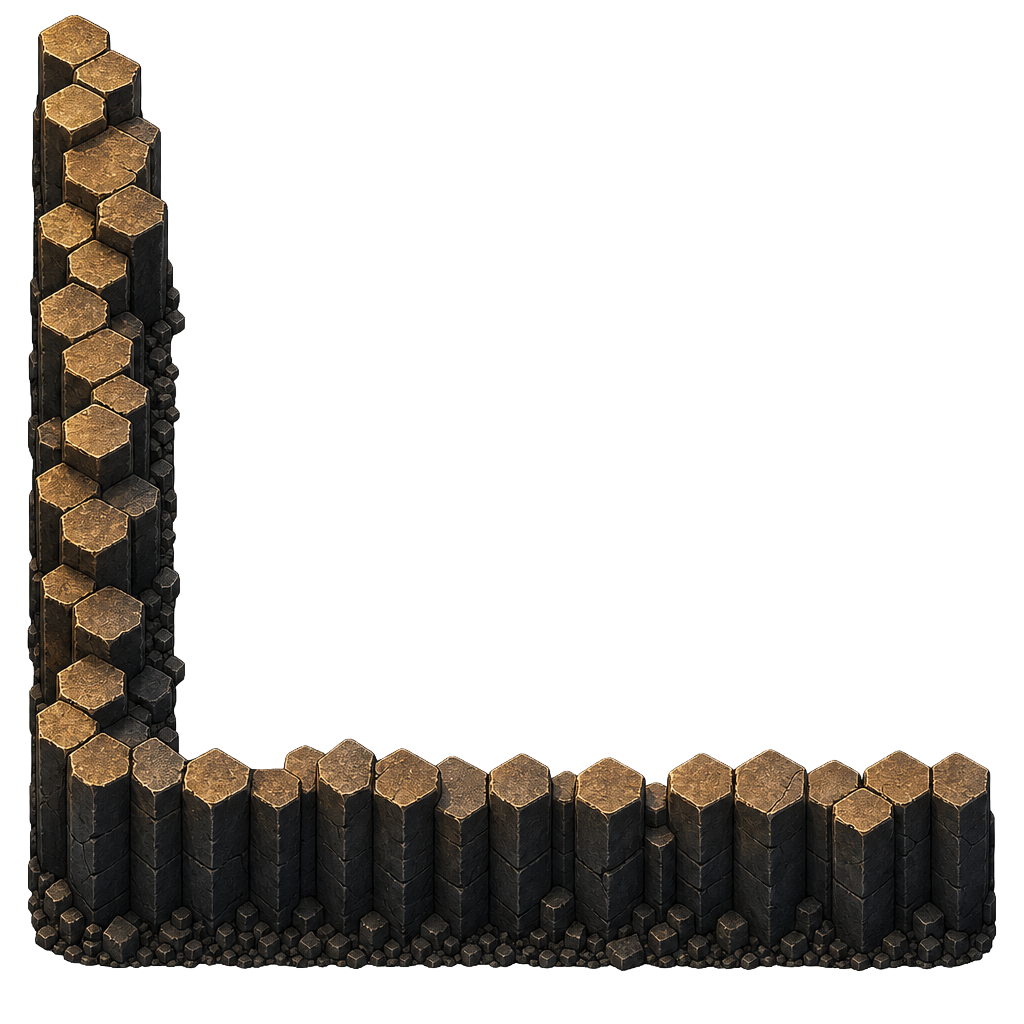
Outer Corner — SE
Convex south-east corner of a plateau. Joins the south and east edges.
Role
Outer corner
Orientation
SE
Variants
1 / 3 (V1)
Source
512×512
Outer Corner — SW
Convex south-west corner. Mirrors SE to keep lighting consistent.
Role
Outer corner
Orientation
SW
Variants
1 / 3 (V1)
Source
512×512
Outer Corner — NE
Convex north-east corner — shoulder of the plateau facing back-right.
Role
Outer corner
Orientation
NE
Variants
1 / 3 (V1)
Source
512×512
Outer Corner — NW
Convex north-west corner.
Role
Outer corner
Orientation
NW
Variants
1 / 3 (V1)
Source
512×512
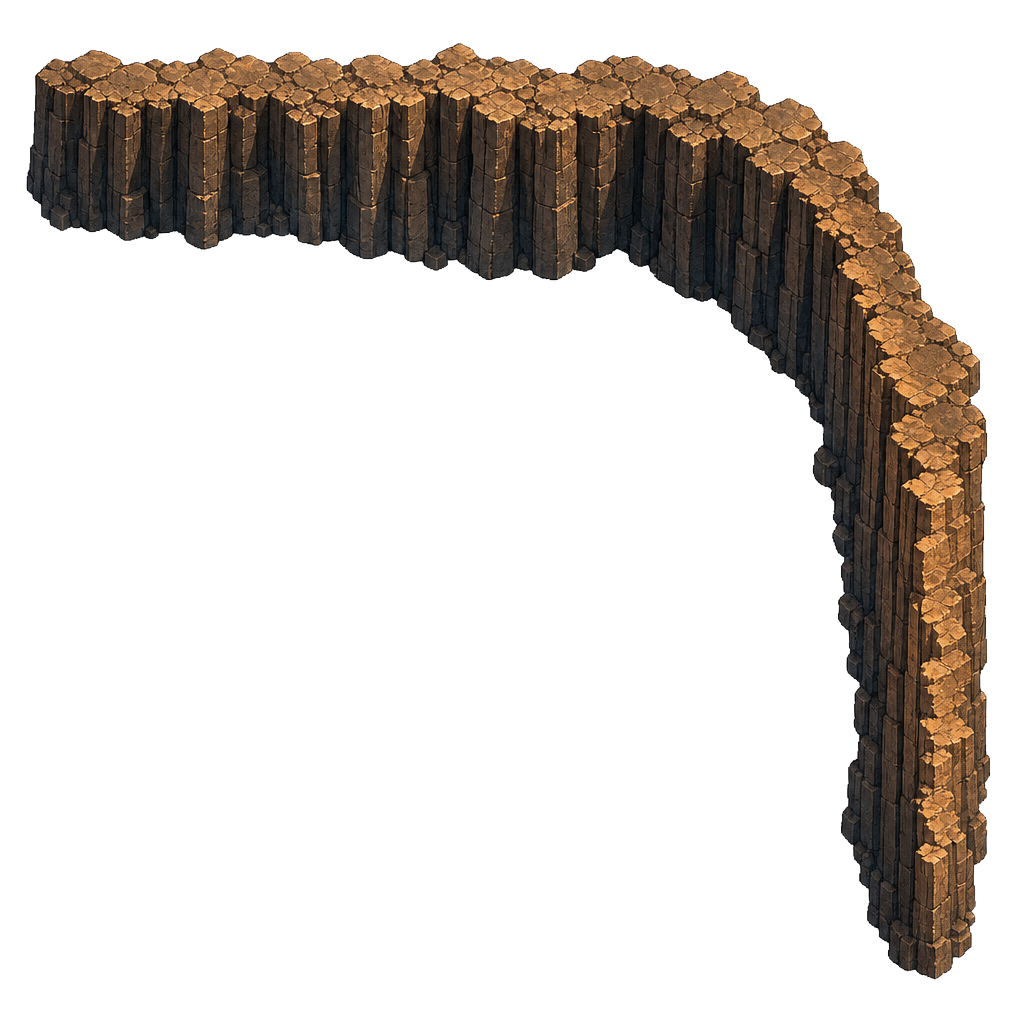
Chamfer — SE
45° diagonal cliff face replacing the right-angle SE outer corner. Opt-in per cell via the editor's Chamfer tool. RA / StarCraft-style — the grid stays cardinal, only the painted face is diagonal.
Role
Chamfered corner
Orientation
SE
Lighting
Lit
Source
1024×1024
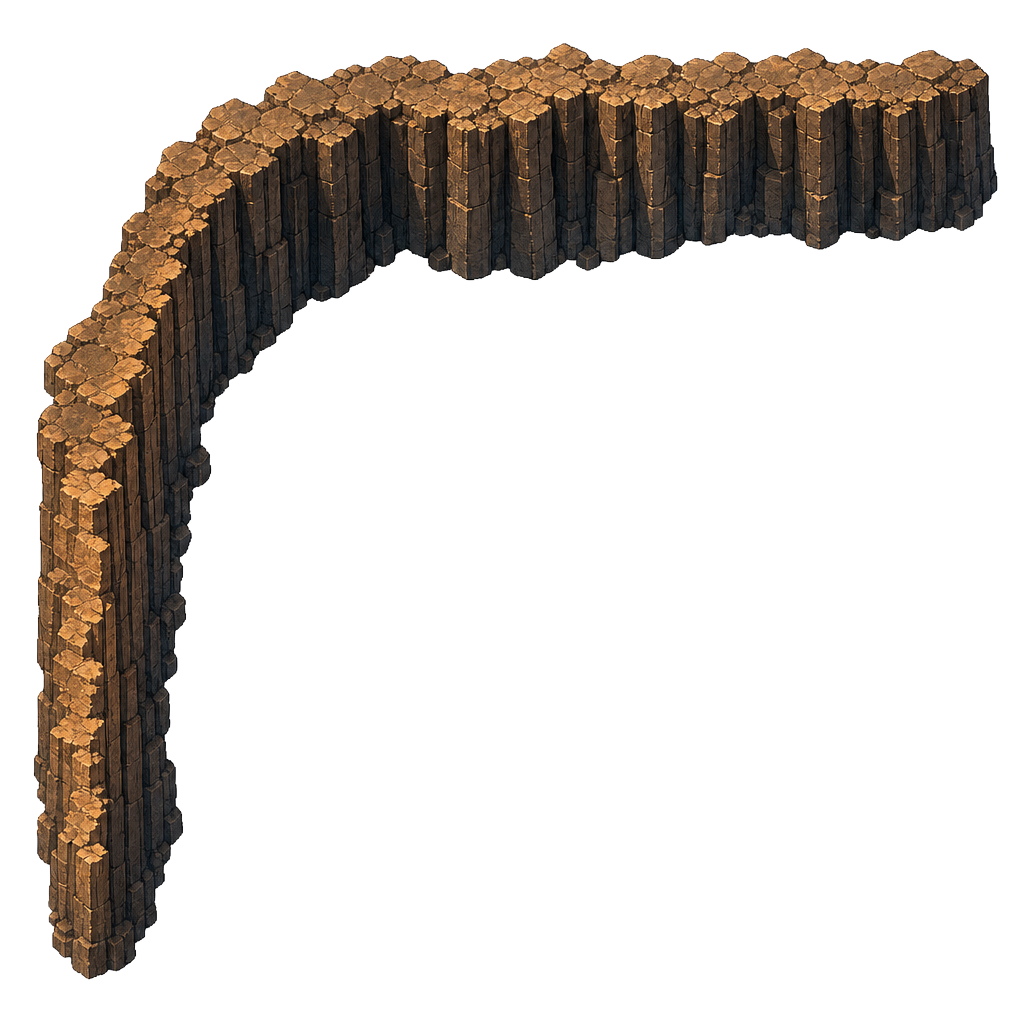
Chamfer — SW
45° diagonal cliff face replacing the SW outer corner.
Role
Chamfered corner
Orientation
SW
Lighting
Half-lit
Source
1024×1024
Chamfer — NE
45° diagonal cliff face replacing the NE outer corner.
Role
Chamfered corner
Orientation
NE
Lighting
Shadow
Source
1024×1024
Chamfer — NW
45° diagonal cliff face replacing the NW outer corner. Deep shadow side — sun is upper-left.
Role
Chamfered corner
Orientation
NW
Lighting
Deep shadow
Source
1024×1024
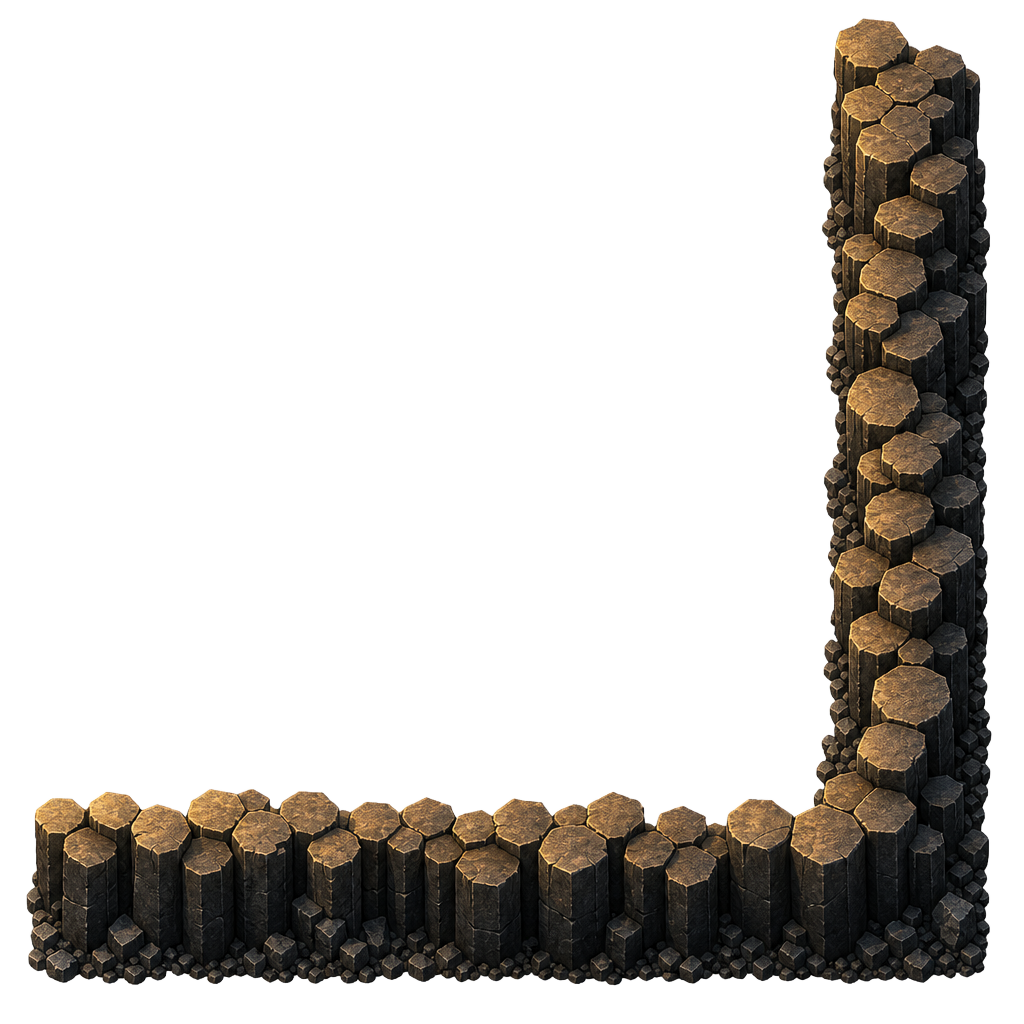
Inner Corner — SE
Concave south-east corner — used where a notch is carved out of a plateau.
Role
Inner corner
Orientation
SE
Variants
1 / 3 (V1)
Source
512×512
Inner Corner — SW
Concave south-west corner.
Role
Inner corner
Orientation
SW
Variants
1 / 3 (V1)
Source
512×512
Inner Corner — NE
Concave north-east corner.
Role
Inner corner
Orientation
NE
Variants
1 / 3 (V1)
Source
512×512
Inner Corner — NW
Concave north-west corner.
Role
Inner corner
Orientation
NW
Variants
1 / 3 (V1)
Source
512×512
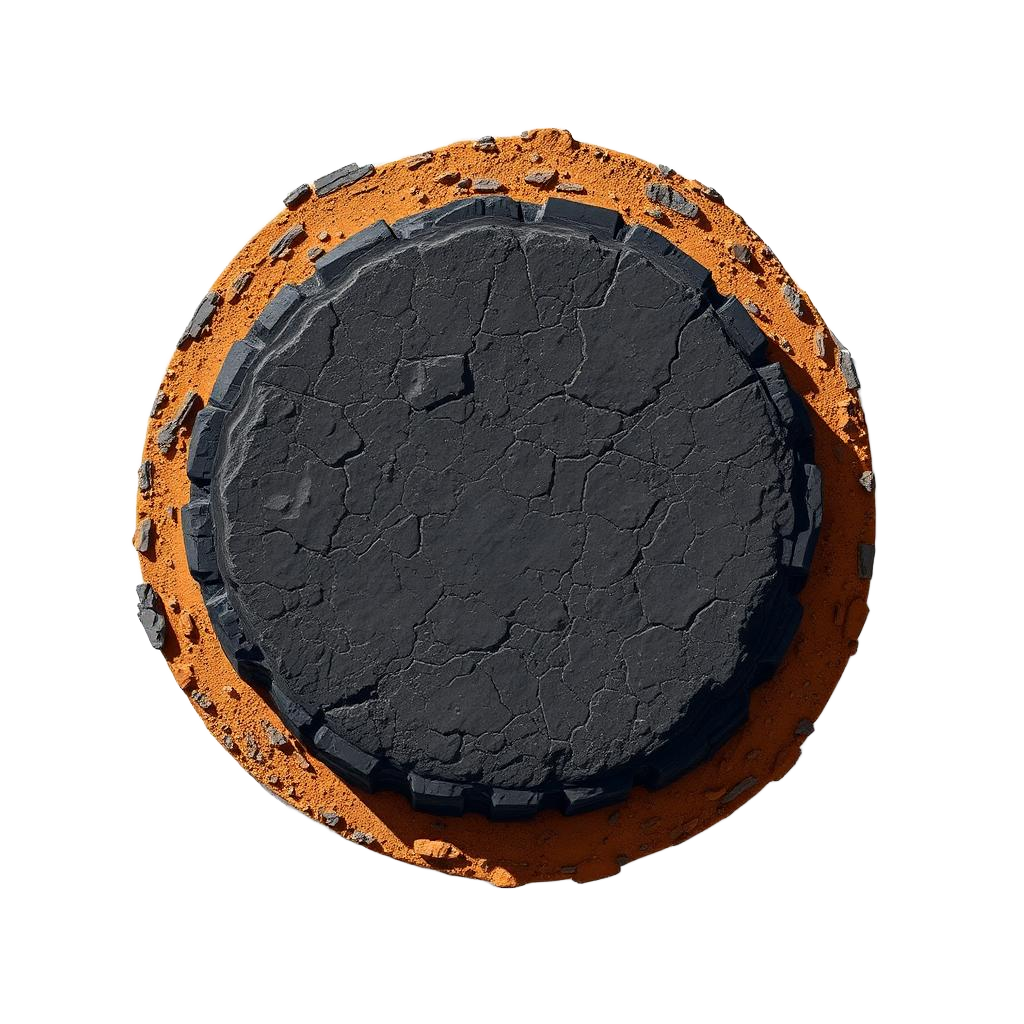
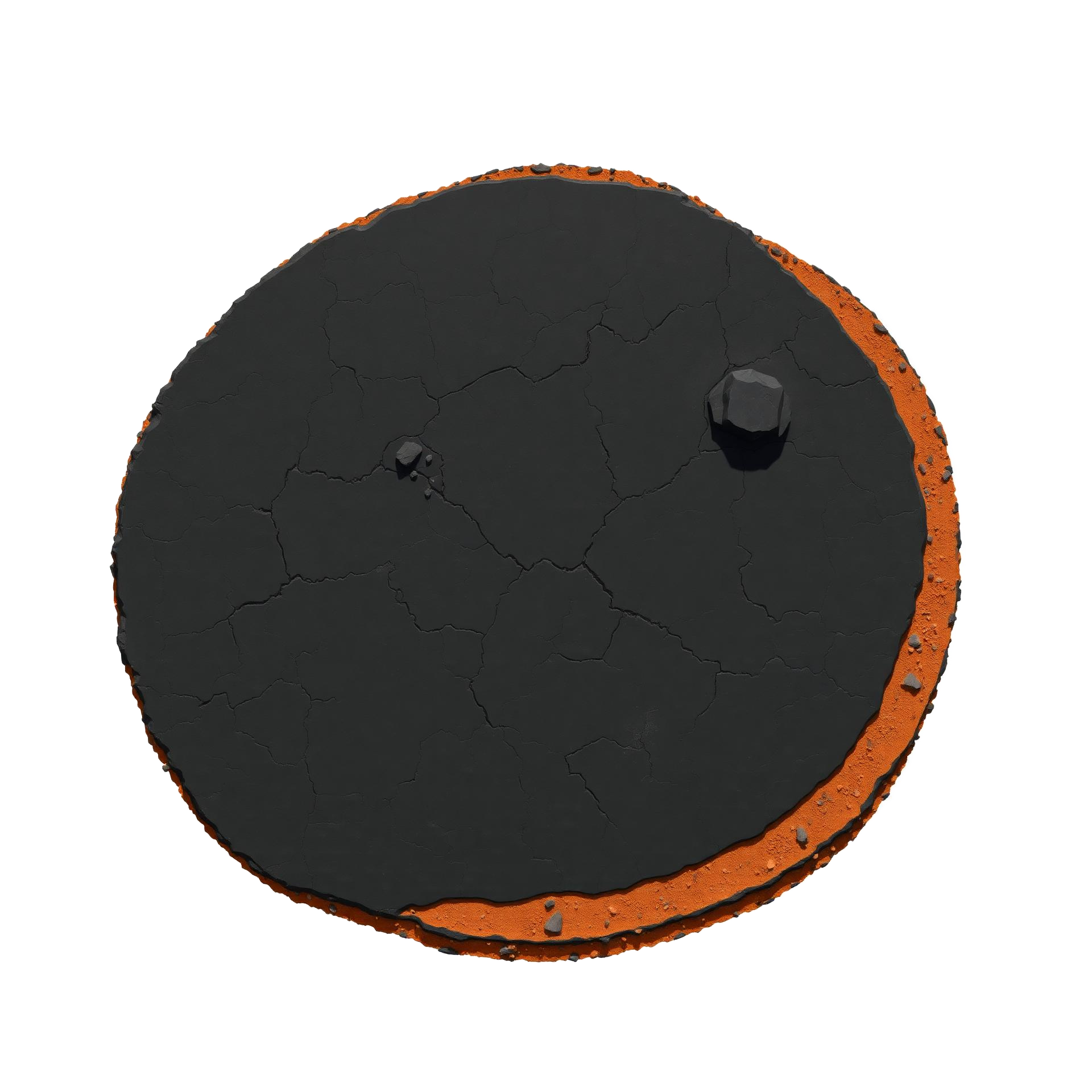
Mesa — Small
Single-tile butte — all four edges in one piece. Used for isolated rock pillars that don't form a larger plateau.
Role
Standalone
Footprint
1×1
Variants
1 / 3 (V1)
Source
1024×1024
Mesa — Medium
Two-tile-wide butte. Larger plateau footprint with continuous basalt rim.
Role
Standalone
Footprint
2×2
Variants
1 / 3 (V1)
Source
1536×1536
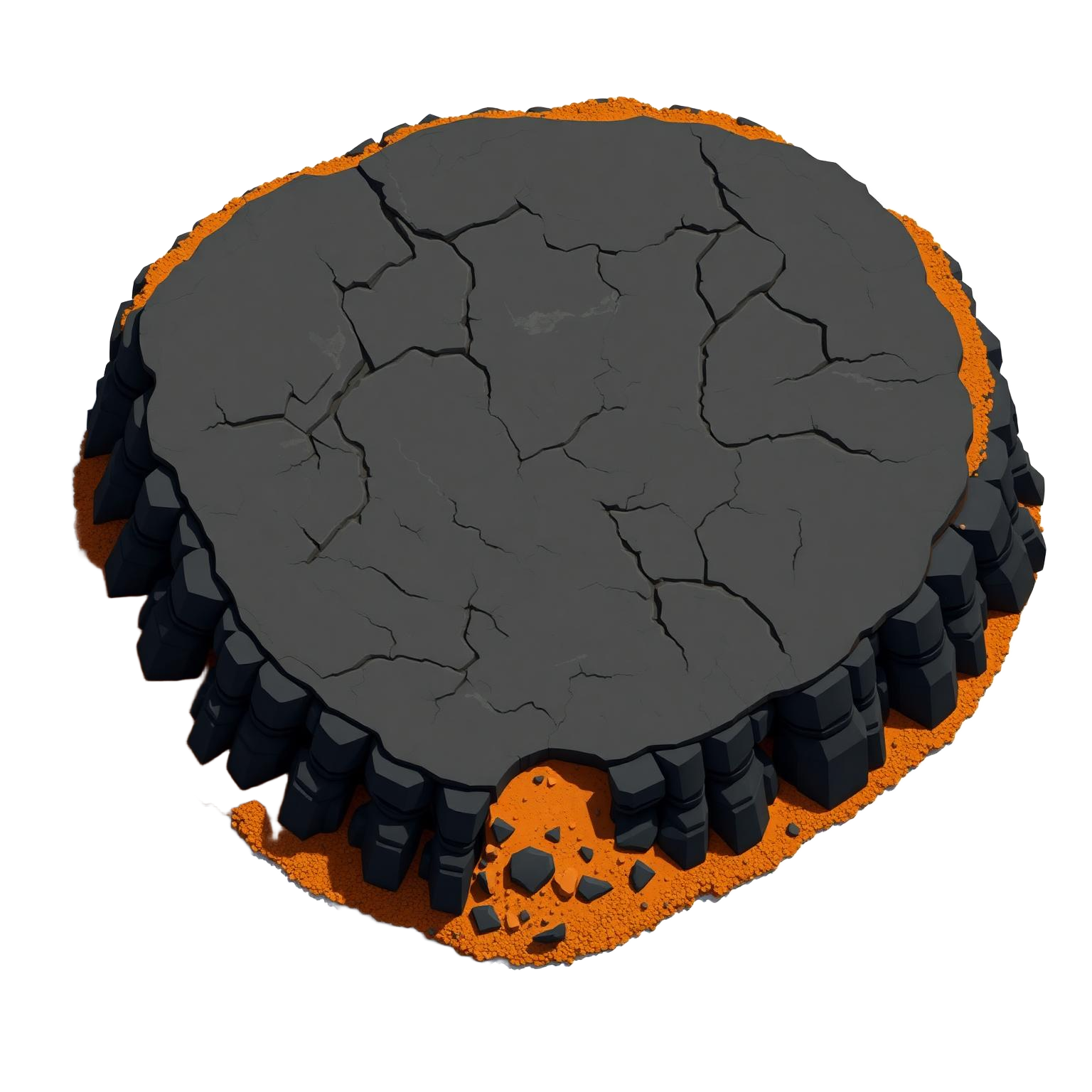
Mesa — Large
Three-tile-wide butte. Big rocky plateau with cracked top surface and scattered boulders.
Role
Standalone
Footprint
3×3
Variants
1 / 3 (V1)
Source
1920×1920
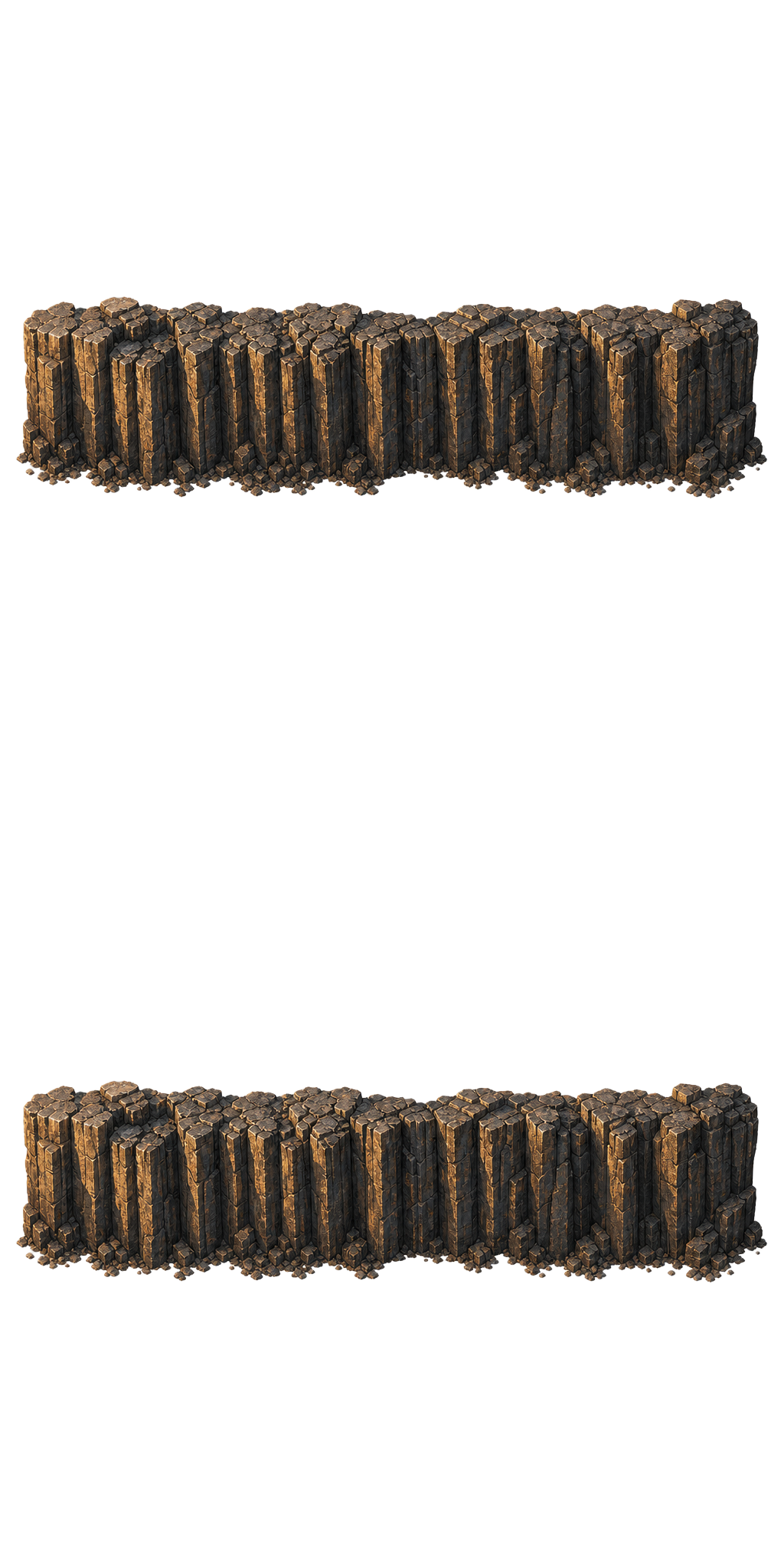
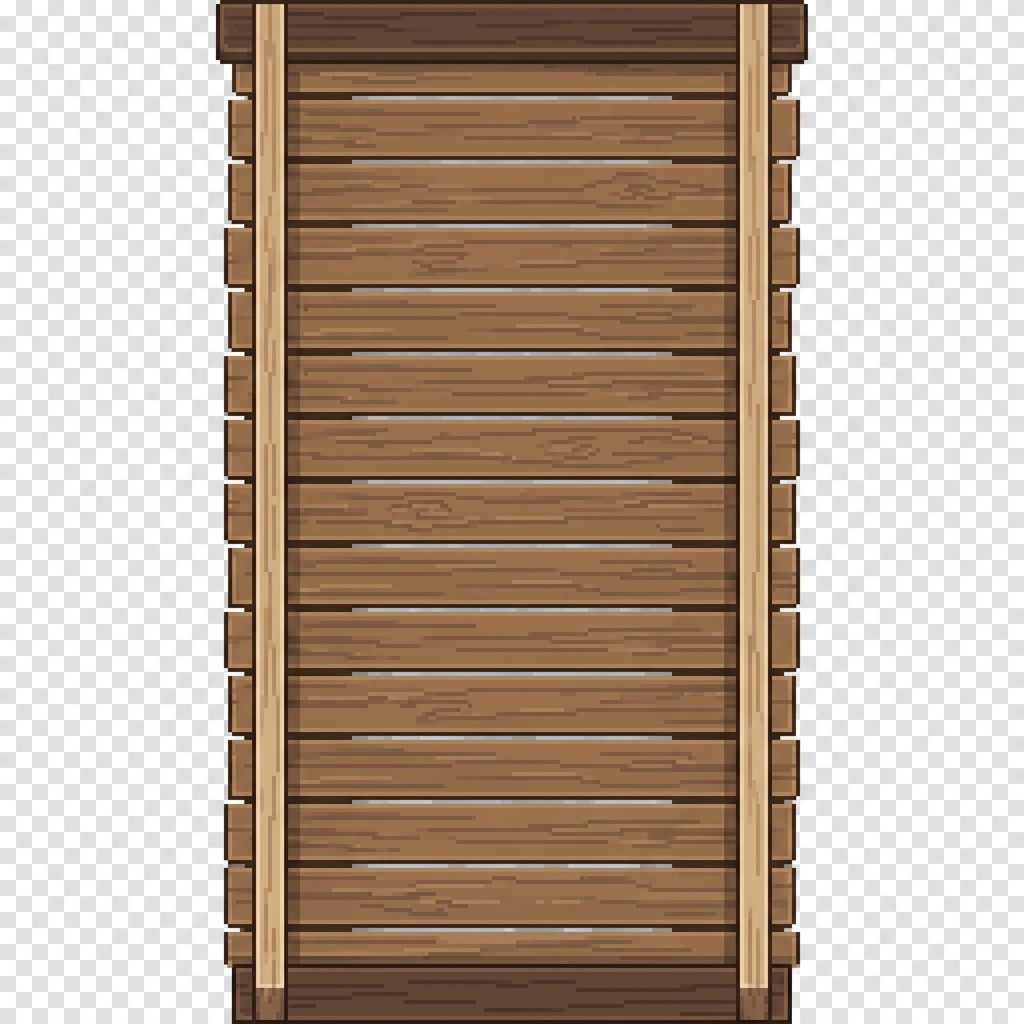
Ramp — North/South
Traversable vertical slope. Cuts a two-tile-wide channel through a north or south edge.
Role
Traversable
Composition
edge-e + edge-w (2 tiles wide)
Variants
1 / 3 (V1)
Source
2048×1024
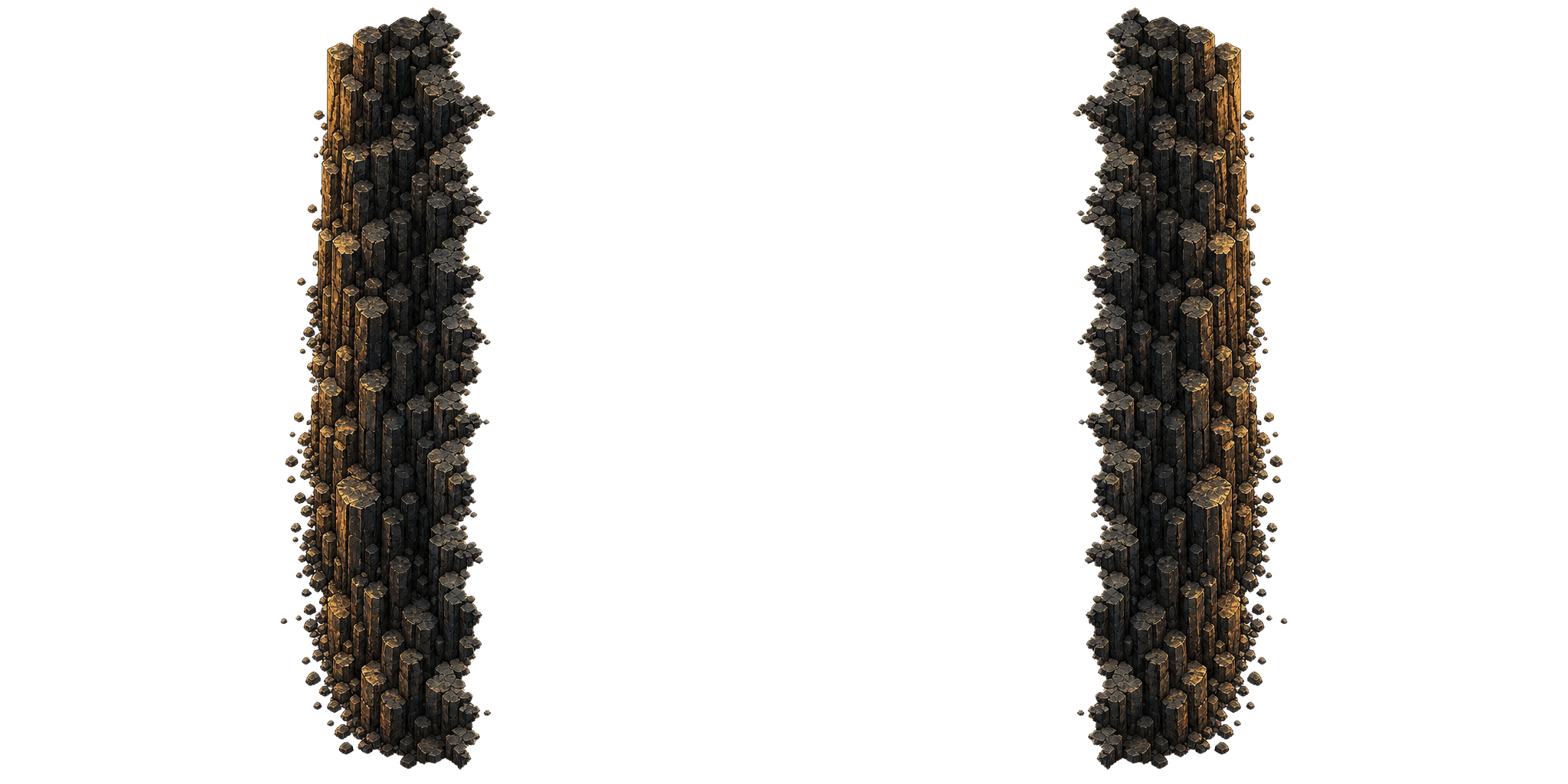
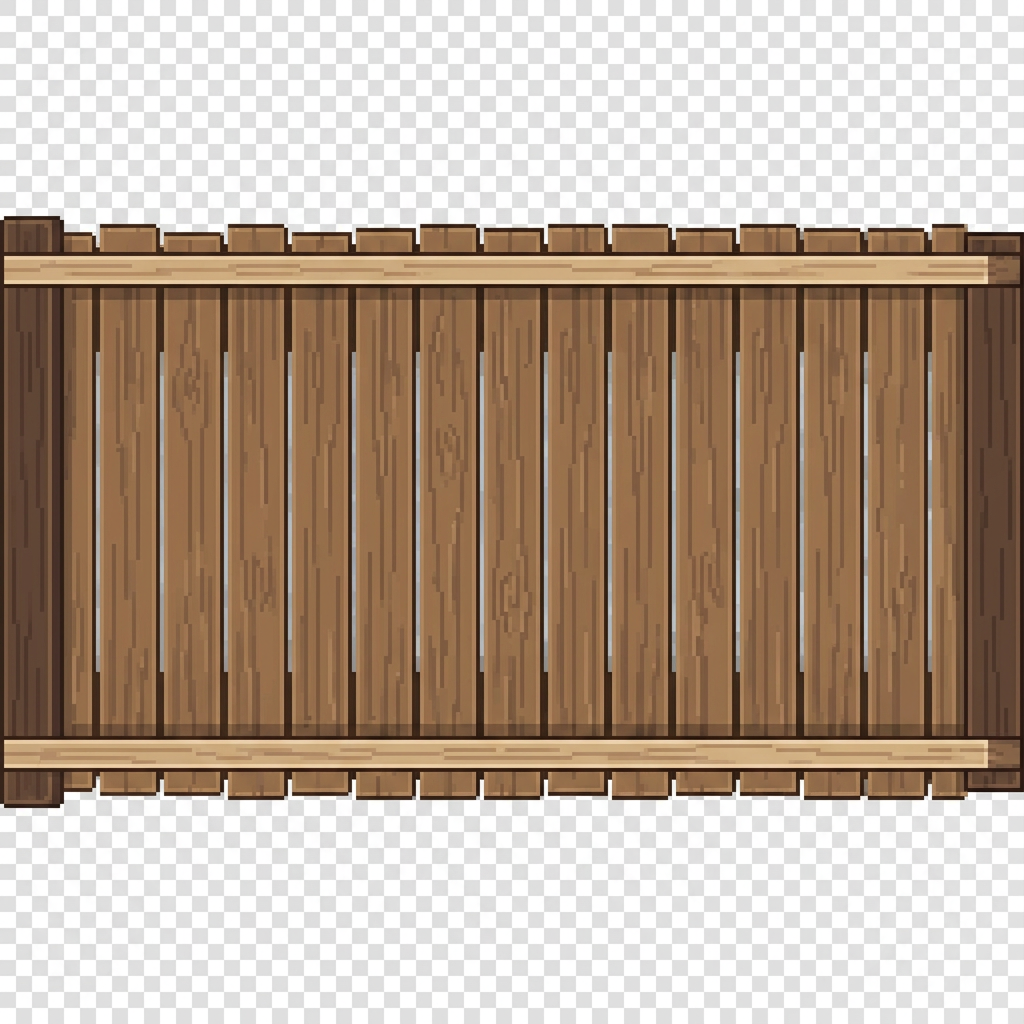
Ramp — East/West
Traversable horizontal slope. Cuts a two-tile-tall channel through an east or west edge.
Role
Traversable
Composition
edge-n + edge-s (2 tiles tall)
Variants
1 / 3 (V1)
Source
1024×2048
Roads
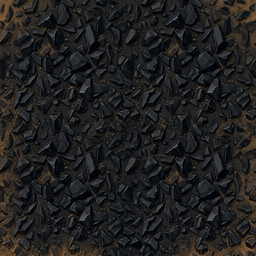
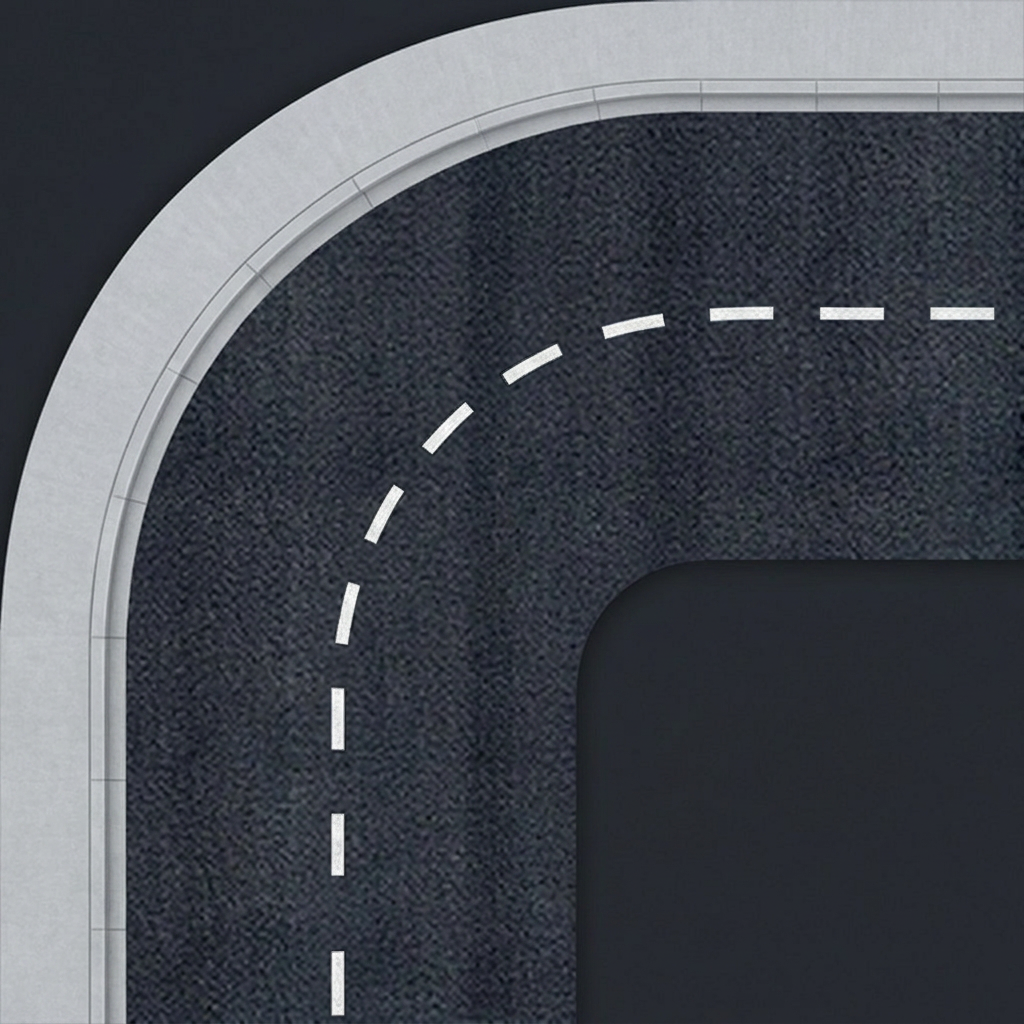
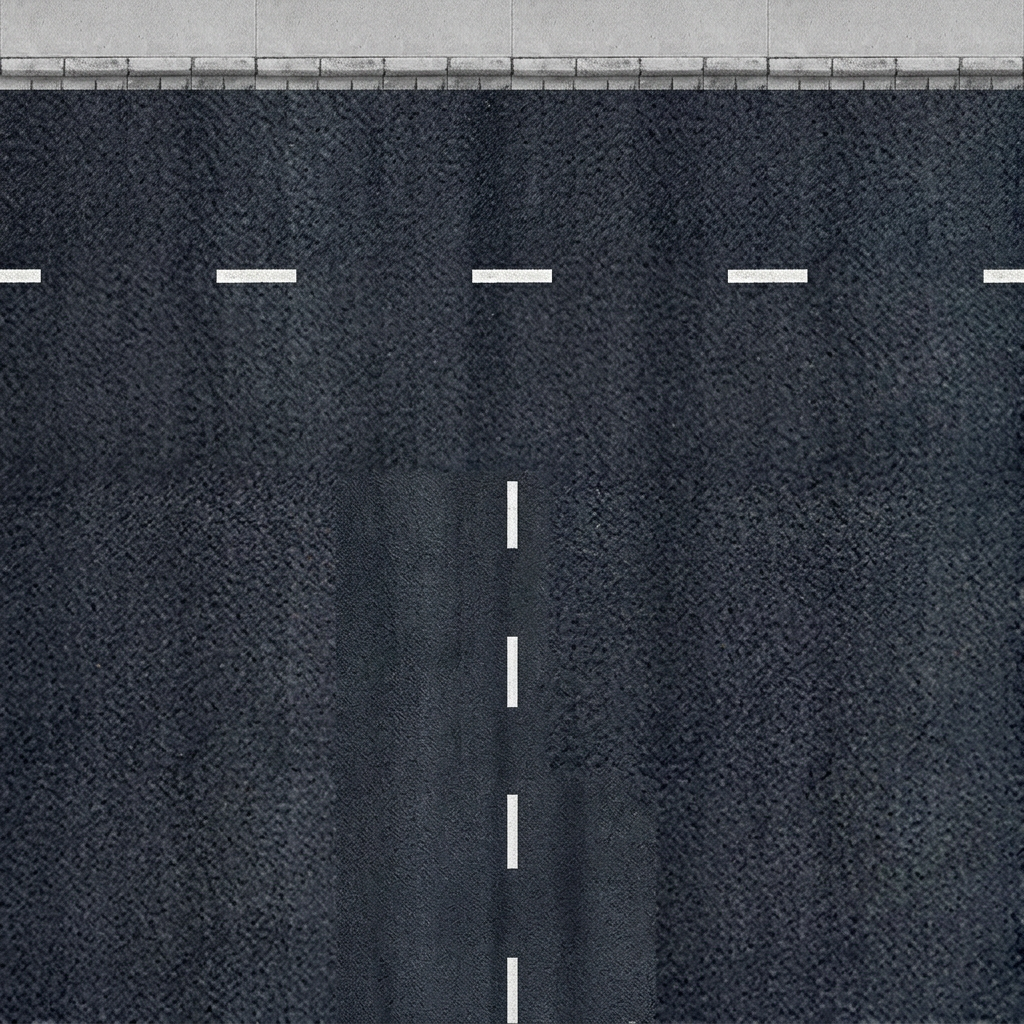
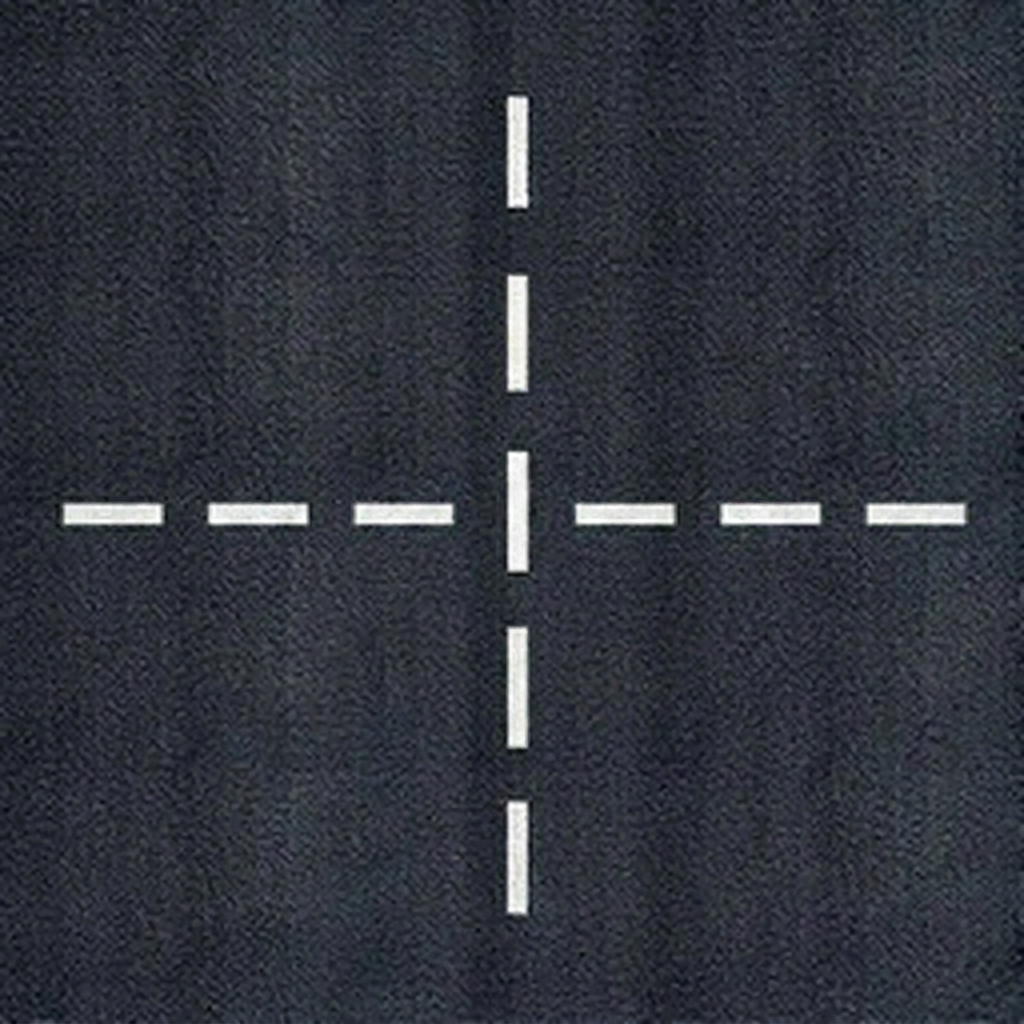
Cracked asphalt segments painted as a dedicated road terrain id (not as decorations). Roads lower A* movement cost to 0.8, giving ground vehicles a ~25% speed bonus and biasing the pathfinder toward existing routes — Dune II / Red Alert style. Five base shapes cover every junction; corners, T-junctions and dead-ends rotate in 90° steps via the editor.
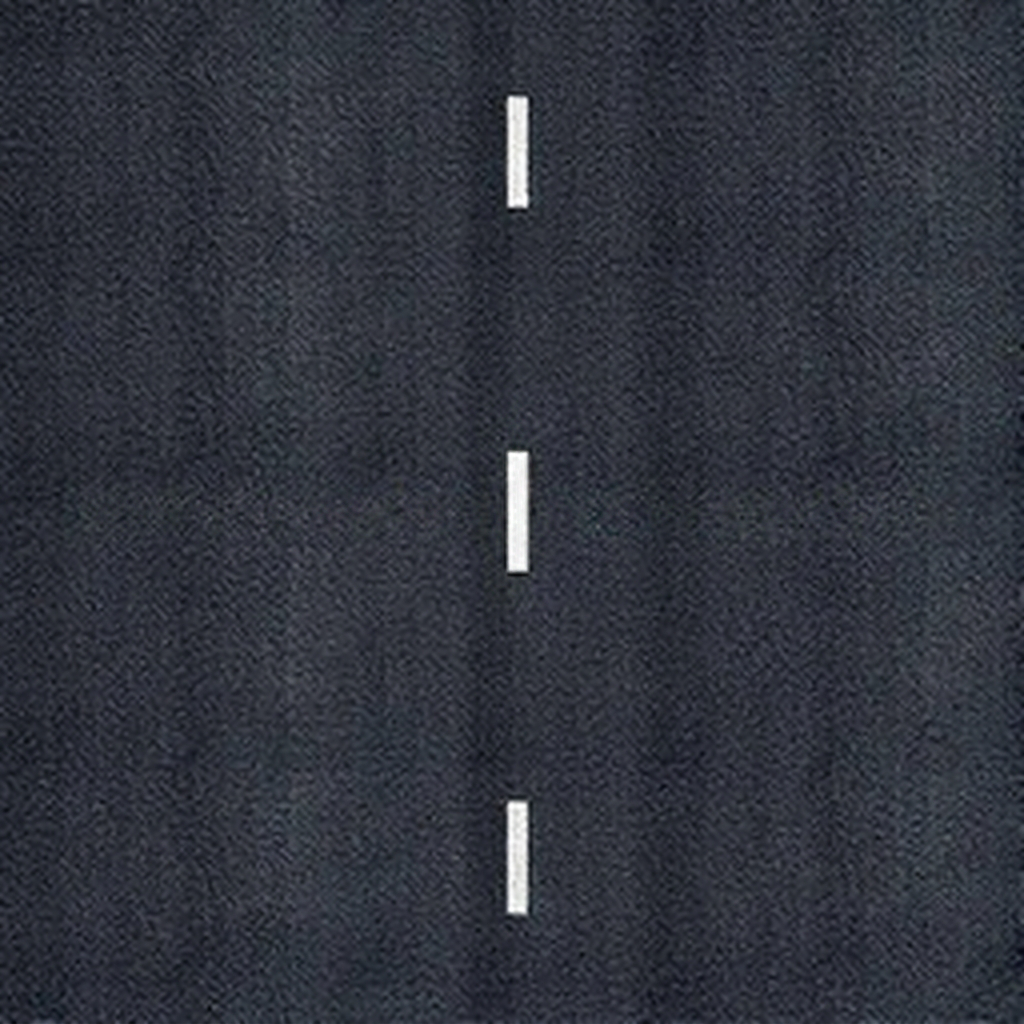
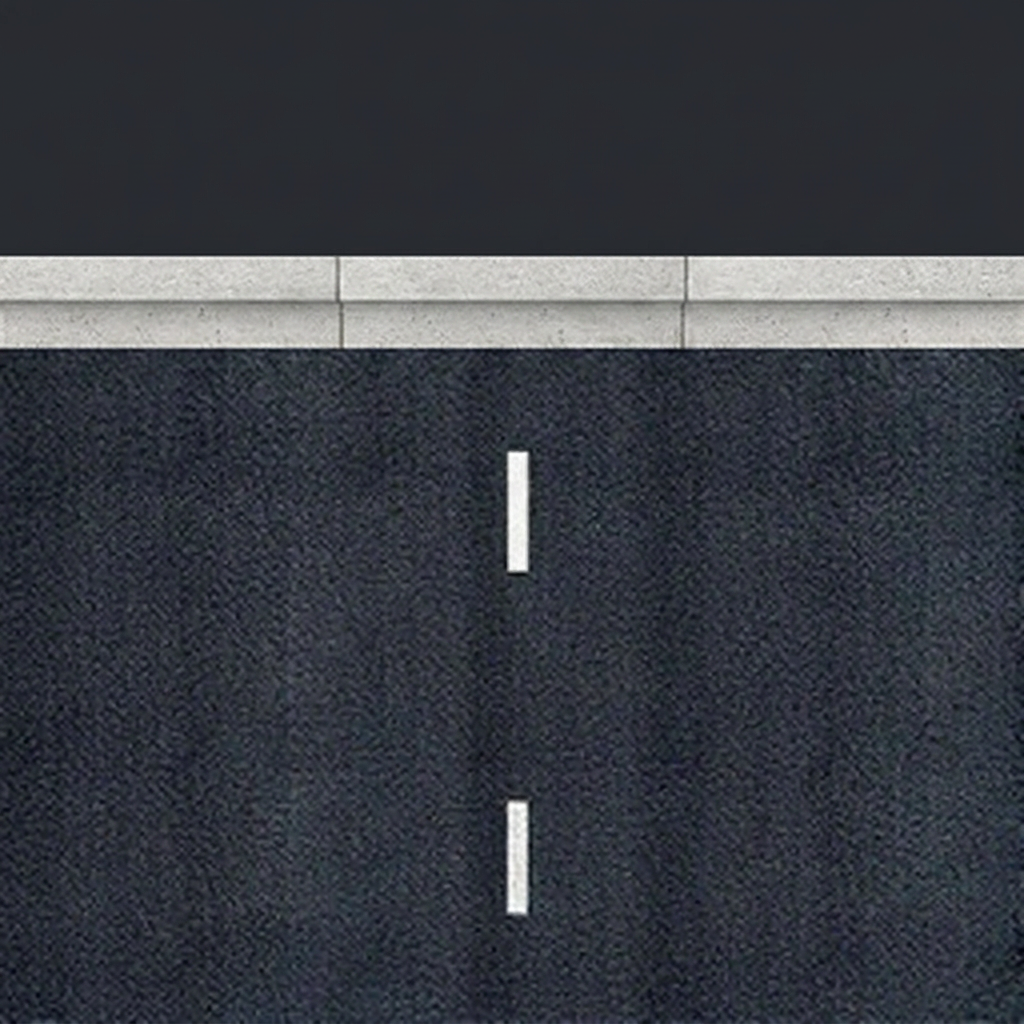
Road — Straight
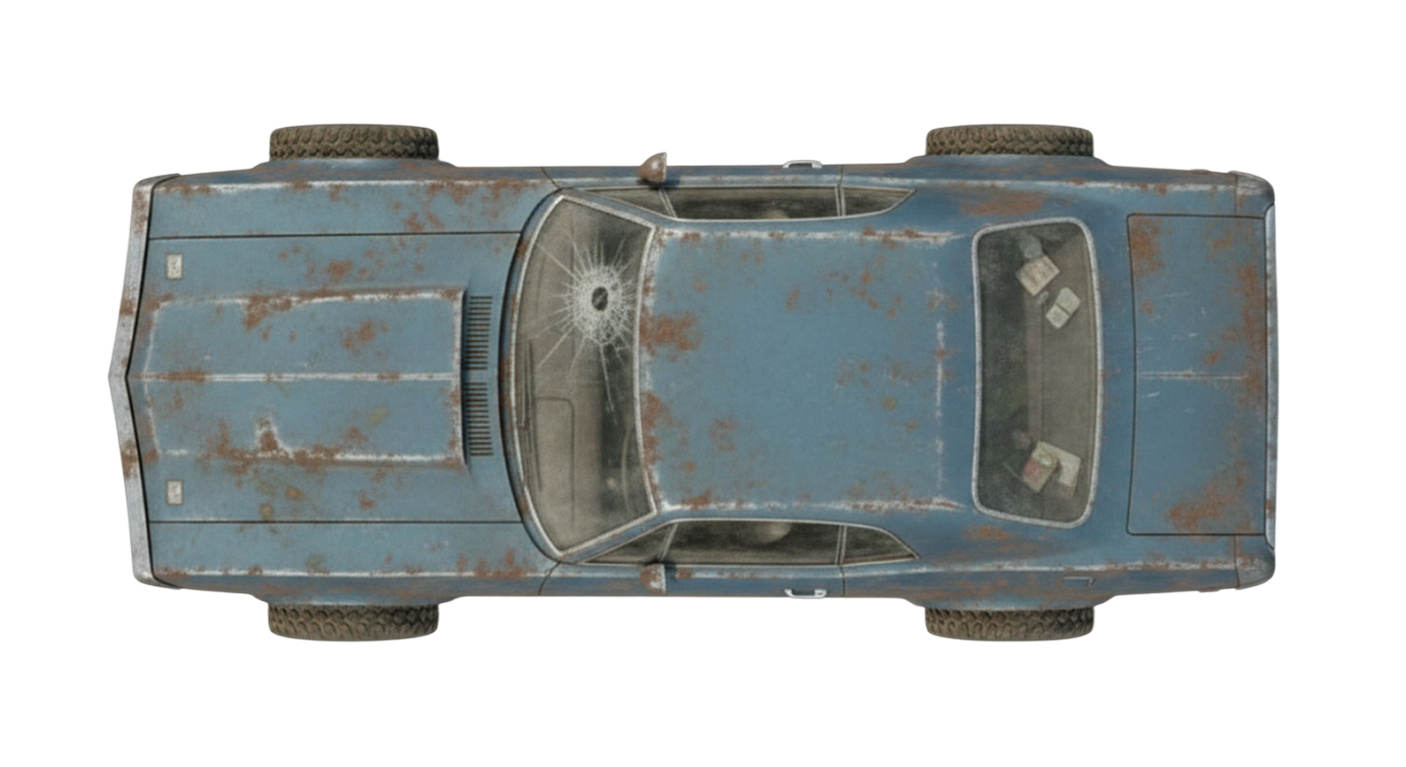
Cracked post-apoc asphalt segment. Painted as terrain (not a decoration) — gives ground vehicles a ~25% movement bonus and lowers A* cost so the pathfinder prefers road routes.
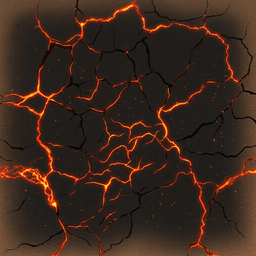
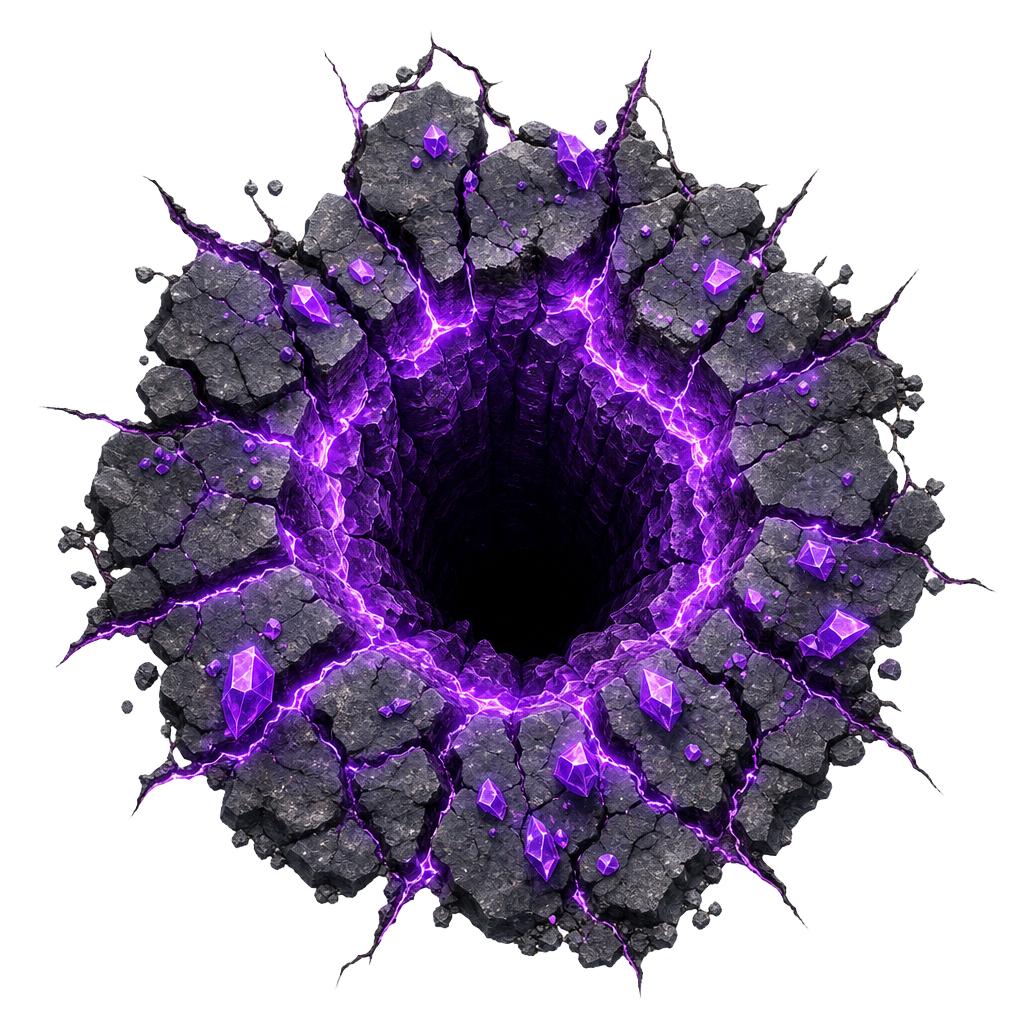
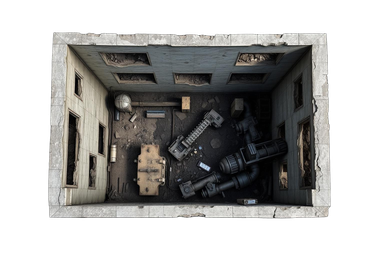
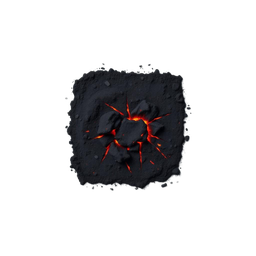
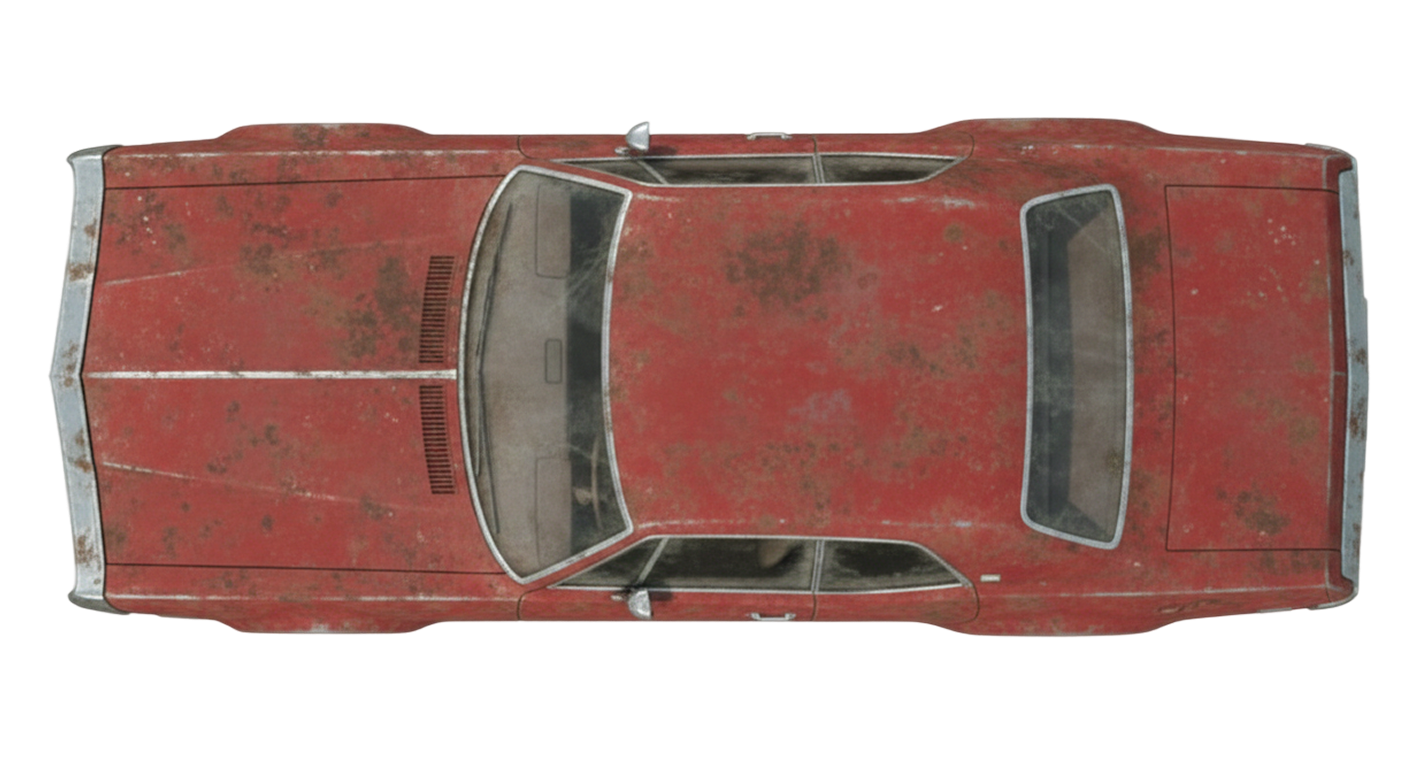
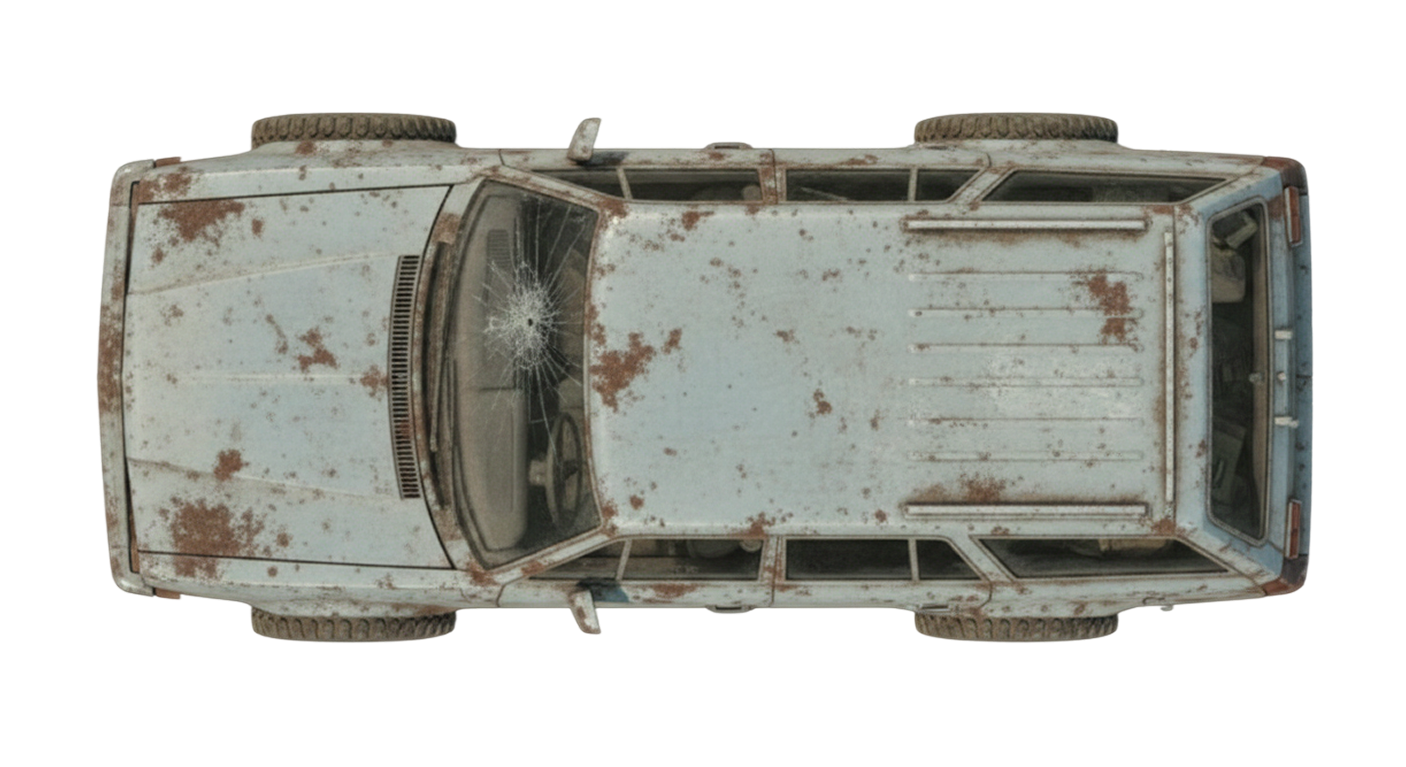
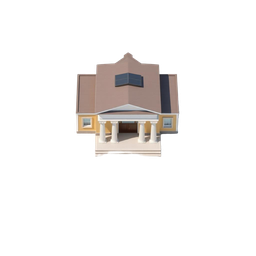
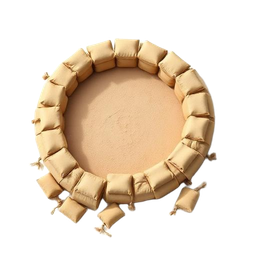
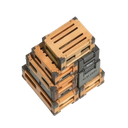
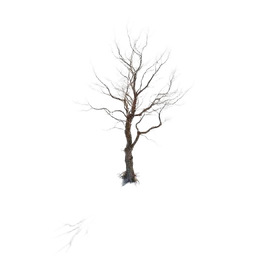
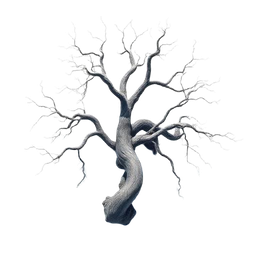
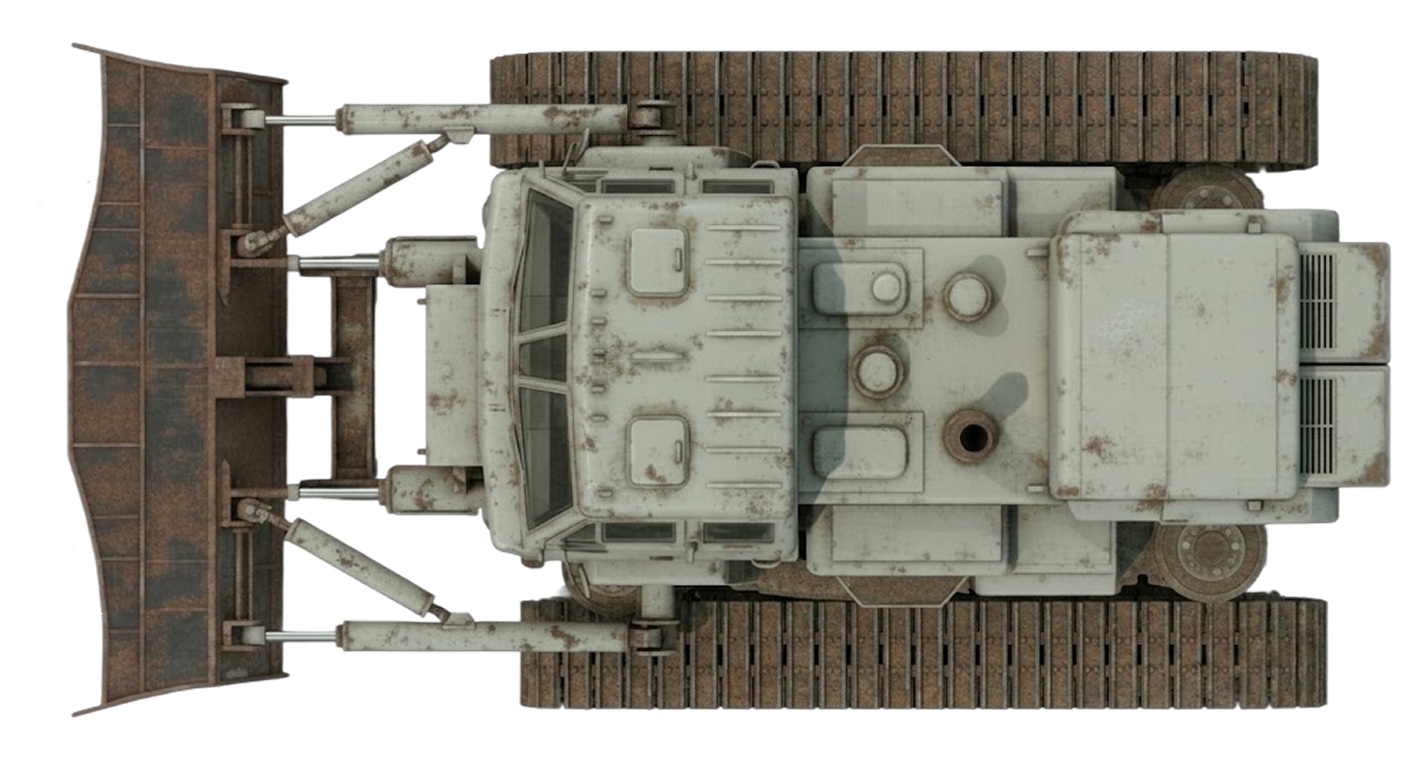
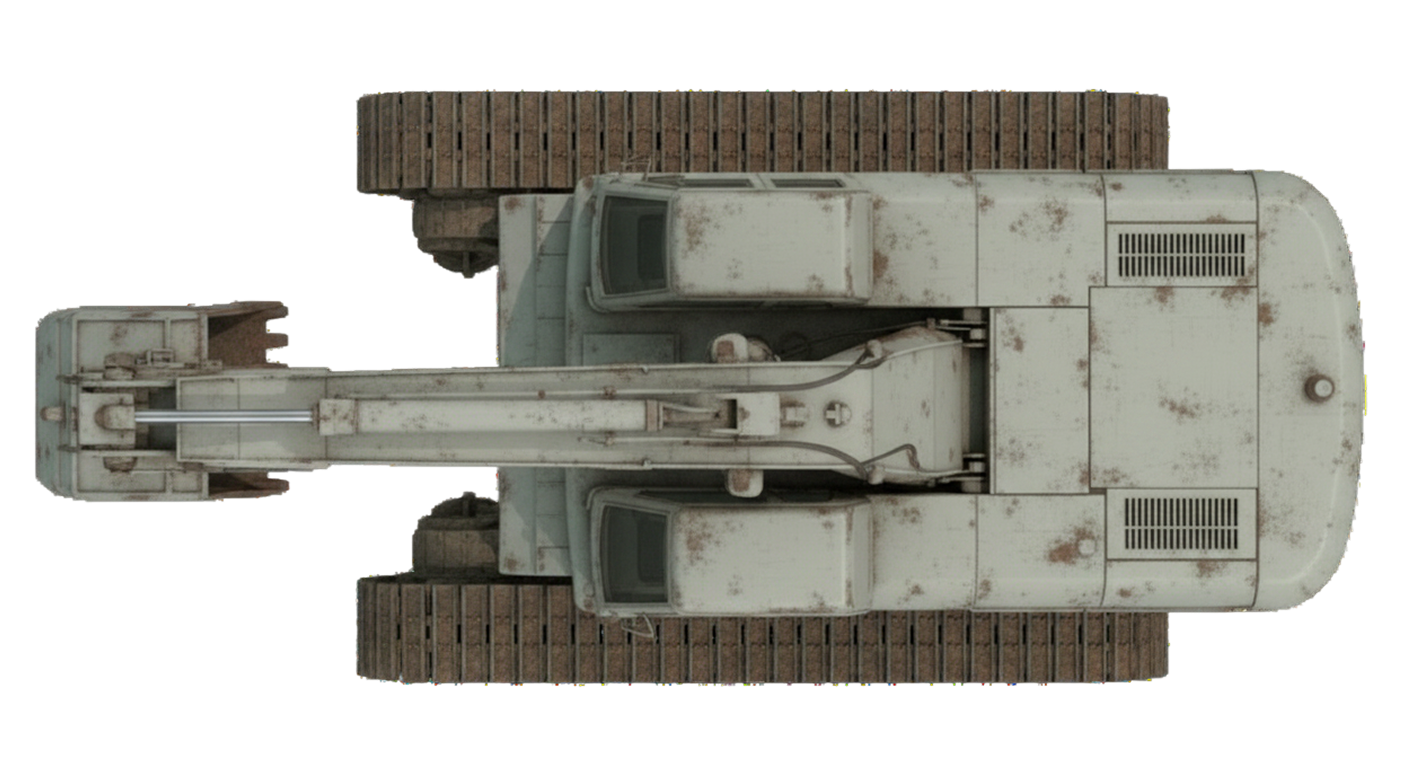
Neutral, non-faction props placed by scenarios — ruined buildings, civilian structures, industrial debris, and dead-Earth flora. Most decorations block movement and have HP so weapons can blast a path through them; passable decorations (craters, scorched earth) only render and are invulnerable. All variants are catalogued in assetConfig.ts → DECORATION_SPRITES.
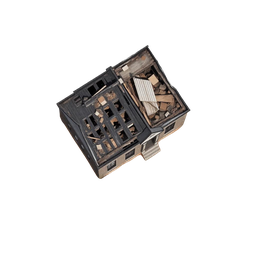
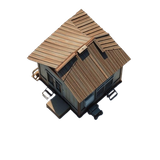
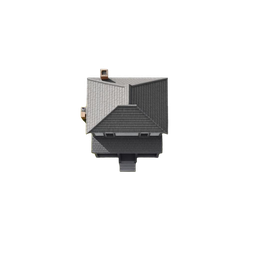
Ruined House
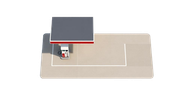
Ruins & Wreckage — blocking prop with 150 HP. Destructible by weapons fire.
The heads-up display is composed almost entirely from CSS — gradients, box-shadows and clip-paths layered with Lucide icons and stencil typography. Hero images here show the kind of art the chrome is built to frame; nothing in this section is a static asset on disk.
Tactical Panel
Sidebar containers, dialog frames, and selection cards. Dark rust-brown gradient with copper bezel and riveted corners.
Render
CSS (linear-gradient + box-shadow)
Min size
120 × 60 px
Pattern
9-slice
Command Button
Build, command, and selection action buttons. Brushed copper bezel with ember-orange active state and stencil label.
Render
CSS + Lucide icon overlay
Sizes
48×48 → 96×64 px
Power Battery
Vertical sidebar readout: power capacity vs draw. Inset chamber with green→ember→red gradient fill and demand marker.
Render
CSS gradient fill
Size
56 × 260 px column
Component
PowerBattery.tsx
Minimap Frame
Square tactical minimap chrome — copper-rust bezel around a dark interior with scanline overlay.
Render
CSS frame around SVG
Aspect
1:1, sidebar width
Component
Minimap.tsx
Resource Readout
Top-bar Ore counter and sidebar Ore/Power counters. Stencil typography in glowing ember-orange paired with Lucide gem/zap icons.
Render
Stencil text + Lucide icon
Font
Black Ops One
Mission Briefing Dialog
Pre-mission objectives modal over a dimmed viewport. Weathered rust-metal frame with ember header and glowing ENGAGE CTA.
Render
CSS dialog
Size
480 × auto
Top Bar
Persistent header strip: mission name, elapsed time, ore counter, pause / save / menu controls. Spans the full viewport width above the play field.
Render
CSS bar + Lucide icons
Height
44 px
Component
TopBar.tsx
Build Panel
Sidebar grid of constructable structures. Each tile shows the building portrait, ore cost, build time, and disabled state when prerequisites or power are missing.
Render
CSS grid + portraits
Tile size
64 × 64 px
Component
sidebar/BuildPanel.tsx
Selection Panel
Context panel for the active selection — single unit / building portrait + stats, or grouped roster for a multi-select. Drives the command grid below it.
Render
CSS card + EntityThumb
Component
sidebar/SelectionPanel.tsx
Screens & Popups
Full-screen surfaces and modal dialogs — from the title screen and prologue through the live mission HUD to save / load and auth. Every entry below is a CSS-rendered React component (no static art on disk), so previews are placeholders for now; ask to capture live screenshots when the screens are stable.
Home Screen
Homepage / Title
Landing screen — animated logo, faction picker, primary CTA into the campaign. Sets the rust-and-ember tone for the rest of the UI.
Render
CSS + Motion
Component
home/HomeScreen.tsx
Route
/
Prologue
Prologue Cinematic
Opening narrative scroll played before the first mission. Stencil typography over scorched-earth backdrop with timed reveals.